
















Gaming PC Components: What to Know Before You Buy

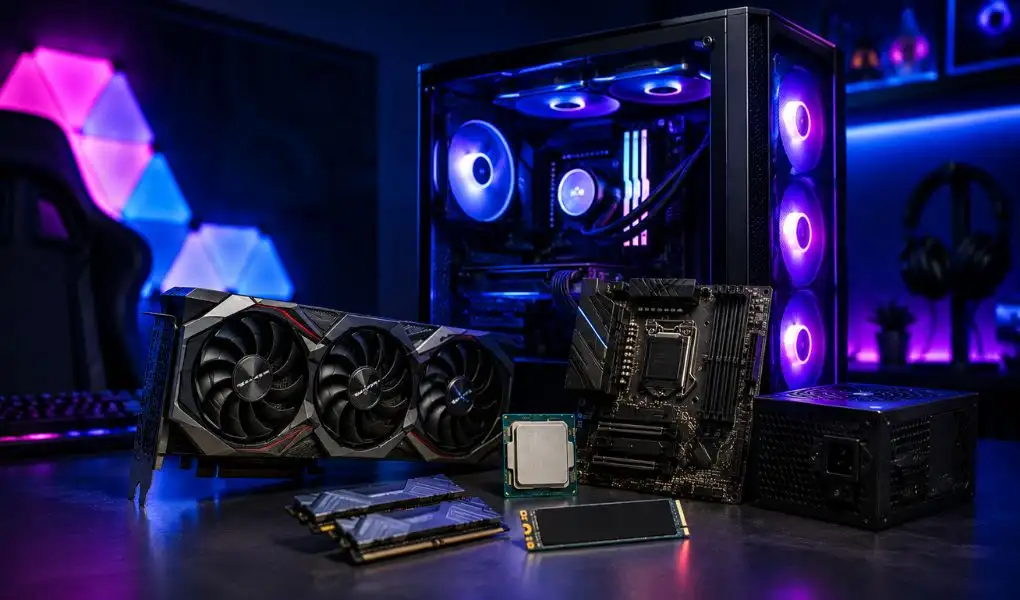
A visit to a gaming components page rarely happens on a whim. Usually something's already gone wrong, or something's about to be spent: a game that used to run fine and suddenly doesn't, a PC that's aged worse than it should have, or a build getting planned from zero with a budget that can't afford a wrong turn. Finding parts isn't actually the hard part. Specs are everywhere, and so are opinions about which ones matter. The trouble starts once you're staring at three options that all look fine on paper, with no real way to tell which one fits your setup instead of someone else's. A spec sheet won't tell you what's actually holding your current system back, whether a part suits the games you play rather than a benchmark chart, or whether it'll even fit alongside what you already own. Shopping through T4G Store means getting those answers up front, backed by warranty coverage and delivery you can track, so choosing the right Gaming PC Components for your setup doesn't turn into a headache later.
Shopping With T4G Store: Warranty, Support, and Delivery
Buying hardware online only works if the seller stands behind it after checkout. In the gaming PC components category, select parts like processors, motherboards, memory kits, and power supplies come with a 12 month or 1 year warranty listed right on the product page. You know the coverage before you buy, not after. Support is available round the clock by phone, WhatsApp, or email for order questions and product queries. Delivery covers all of Kuwait: standard orders go out free within 24 hours, and express delivery is available in select areas within 2 to 4 hours for a small fee. Bulky items such as gaming chairs, desks, large monitors, and full PC setups get special handling because of their size. Clear warranty terms on covered parts, support that's actually reachable, and delivery options that fit different needs. That's what makes it practical to buy gaming PC components online through the T4G Store.
Why "Best" Depends on the Build, Not the Box
Review sites and comparison charts tend to crown a single winner in every category, but that framing rarely holds up once a real budget and a real use case get involved. A part that tops a topping a benchmark chart doesn't make a part the right pick; if it outpaces everything else in the build, or the screen it's plugged into, that extra power just sits unused. Hunting for the top-rated version of a single part, in isolation from whatever it'll sit alongside, is a fast way to pay for capability the rest of the system will never call on. A top-ten list can't answer the question that actually matters, which is what works for your budget, your resolution, and the specific games you play. Ranking lists pick winners one category at a time, which isn't how the best gaming PC components actually come together. They get chosen as a set, shaped around what the machine is actually going to be used for.
Why a PC Underperforms Even With Good Parts
A surprisingly common problem is a system built from decent individual parts that still runs worse than expected. This usually comes down to mismatch rather than any single weak component. A powerful processor paired with a graphics card that cannot keep up will sit idle waiting on frames, a phenomenon known as bottlenecking, and the reverse happens just as often with an underpowered chip holding back an otherwise strong card. RAM speed and capacity play a smaller but real role too, since modern games increasingly lean on both, and storage matters more than people expect as well, since a fast processor loading textures off a slow drive still produces stutter even though a fast Gaming Processor (CPU) is not the bottleneck in that situation. Background software adds another layer that gets overlooked: overlays, recording tools, and browser tabs left open all draw on the same resources a game is trying to use. Open a task manager or similar monitoring tool during a play session and watch which component maxes out first. That single check usually points straight to the real limiting factor, no guesswork needed.
Matching a Processor to How You Actually Play
The right processor depends heavily on what you are playing, not just your budget.Frame rate is what matters in competitive shooters and esports titles, and that comes down to quick single-core response more than raw horsepower, which is why a mid-range chip tuned for speed can beat a pricier one built for heavier workloads. Open-world games and simulations ask for something different. With so much happening on screen at once, they lean on core count and cache size instead. Someone who streams while playing needs more headroom for background encoding than someone who plays with nothing else running. This is also where a single "best" answer breaks down: there is no universal best gaming processor, only the one suited to the specific games, resolution, and multitasking habits of the person buying it, which makes being honest about how you actually use your PC more useful than chasing a leaderboard.
Matching a Graphics Card to Your Monitor
The same logic applies to graphics cards, except here resolution and refresh rate decide almost everything else. A 1080p setup built for fast-paced games doesn't need what a 4K, detail-heavy title demands, even at a similar price point, and VRAM needs to climb fast as resolution goes up. Buying more frame rate than your screen can actually show is just money spent on headroom you'll never see, which is why the monitor should get checked before the benchmark charts do, not after. Ray tracing, upscaling, core architecture, none of that changes how fast a game runs; it changes how it looks, and that trade-off means more for a slow, visually rich game than a fast-paced competitive one. Most people go looking for the best gaming graphics card without ever checking what it's actually going to be driving, and that's usually the mistake that costs the most once the card's already installed.
Compatibility Checks That Save You a Return
Before adding anything to your cart, a few compatibility details are worth confirming, because mismatches here are the most common reason parts get returned. The processor's socket type has to match the motherboard you plan to pair it with, and the board's chipset generation determines whether it will actually support that chip's full feature set. Your power supply needs enough rated wattage for the graphics card plus the rest of the system, with some headroom left for stability, and physical case clearance matters too, since modern graphics cards have grown considerably longer than older generations. One thing worth checking before you finalize a build: some boards ship with firmware old enough that they won't even recognize a current-generation chip. A Gaming Motherboard built on last year's BIOS might need an update just to boot with a newer processor installed.
Upgrading an Existing PC vs Building New
Not every slow PC needs a teardown. If your setup is a generation or two old, a new graphics card alone will usually get you further than starting over, since GPUs fall behind newer games faster than processors do. Sometimes though, the processor is what's actually choking a newer card, or the motherboard just can't run memory fast enough to keep up. In that case, upgrading one part doesn't fix anything. It just moves the problem somewhere else. A lot of disappointing builds trace back to the same handful of mistakes: a top-tier card bolted onto a budget processor, or a power-hungry upgrade added without ever checking whether the power supply could handle it. If you're not sure what's actually limiting your own system, the support team can look at what you've got and tell you honestly what it can support before you spend anything on a new part.
Buying With Confidence
Working through Gaming PC Components with your actual use case in mind, rather than a generic best-of list, is what leads to a setup that performs the way you expected from day one. Getting a gaming PC right has less to do with the most expensive part on the shelf and more to do with whether everything you pick actually works together for the way you play. That's the idea behind how T4G Store's gaming category is organized, specs laid out clearly enough to compare real options instead of marketing claims. Manufacturer warranties back every part, support staff who actually understand hardware are there when you need them, and delivery across Kuwait is tracked the whole way.
Key Takeaways
- Stop guessing, start matching. The right PC hardware isn't the priciest option, it's the one matched to your budget, your games, and your monitor resolution. Getting that match right the first time saves money and frustration later.
- Every part is covered. Every processor, motherboard, and graphics card in the gaming category comes with manufacturer-backed warranty protection, so you're never stuck footing the bill for a defect that isn't your fault.
- Real people, real answers. The support team knows PC hardware inside out, not just order status, so compatibility questions and troubleshooting get answered by someone who actually understands what you're building.
- Fast, tracked delivery across Kuwait. Orders are packed to survive the trip and tracked from warehouse to doorstep, so you always know where your gaming PC parts are.
- A bottleneck is fixable, not fatal. Whether it's a mismatched processor and graphics card, an underrated power supply, or a motherboard that needs a BIOS update, most performance problems come down to one identifiable fix, not a full rebuild.
- Shop smarter, not just cheaper. A balanced, well-matched set of PC components almost always outperforms a single expensive part propped up by weak ones around it.
FAQs
Choose components based on the games you play, target resolution, monitor refresh rate, budget, and compatibility between the processor, graphics card, motherboard, RAM, storage, and power supply.
The graphics card generally has the biggest impact on gaming performance, especially at higher resolutions. However, the processor, RAM, storage, and power supply also need to be properly matched.
CPU and GPU compatibility is usually straightforward, but performance balance matters. Check the motherboard socket for the CPU and make sure the power supply and case can support the graphics card.
An upgrade can make more sense if the motherboard, processor, and power supply can support newer hardware. If several core components are outdated, a new build may provide better overall value.
For most modern gaming systems, 16GB is a practical starting point. Players who stream, multitask heavily, or run demanding games may benefit from 32GB.
Check the target gaming resolution, monitor refresh rate, VRAM, physical card dimensions, power requirements, and whether your processor can keep up with the card.
Gaming hardware should ideally come with manufacturer-backed warranty coverage. Buyers should also check the seller's support and return policies before placing an order.


