












Content Creation Gear That Pays Off: Streaming, Podcast and Camera Essentials

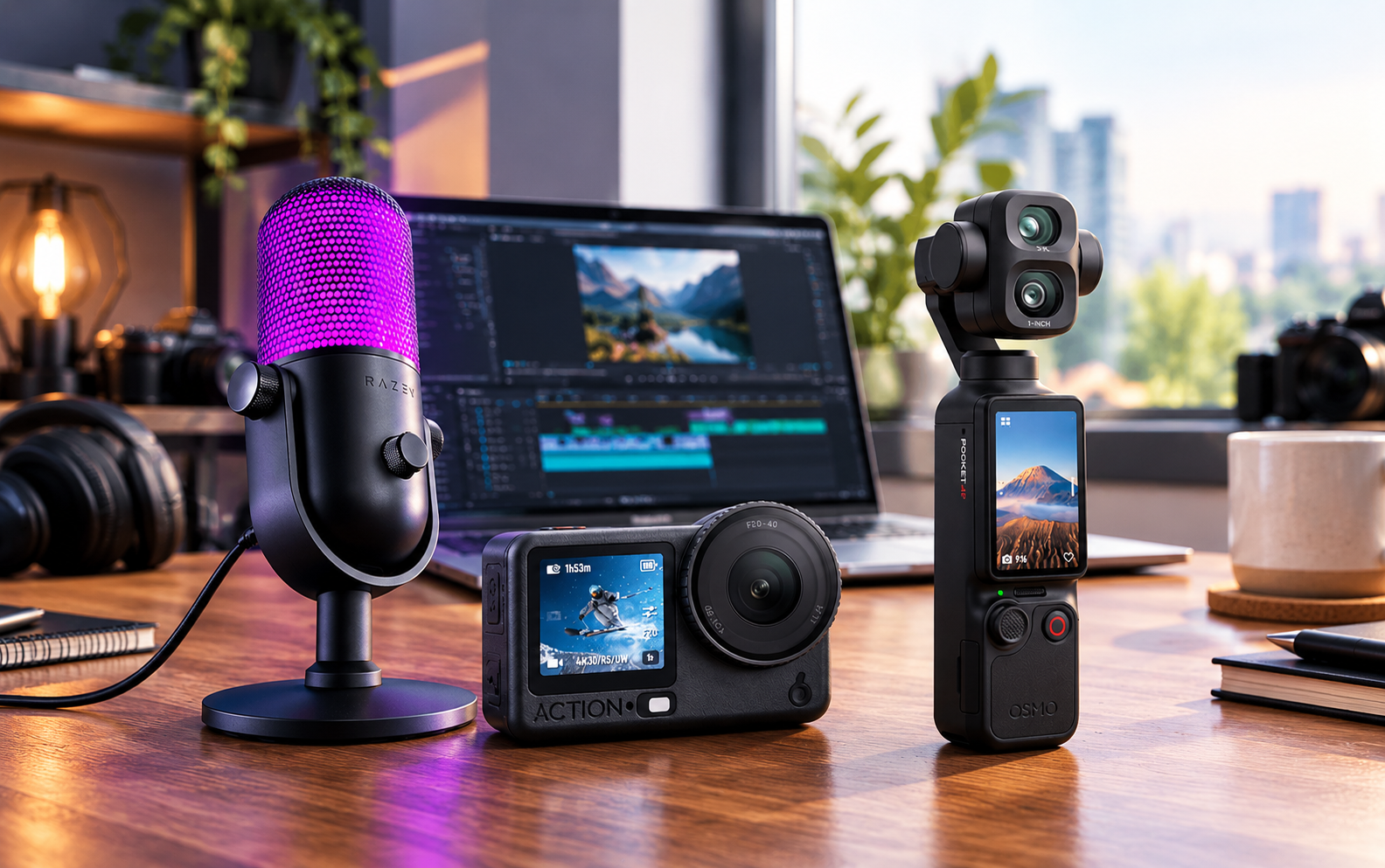
You can put serious money into a camera and still lose a viewer in the first few seconds. Crisp picture, hollow voice (it sounds like it was recorded in a stairwell), and the viewer clicks away. It usually starts with how the budget gets split. The visible gear comes first, and the microphone ends up as an afterthought. Flip that order and the rest of the gear starts to make sense. For anyone ready to buy streaming devices Kuwait creators can rely on, this is the build order that works, from voice to picture to control.
What does a Content Creator Actually Need
A creator setup rests on five layers: audio, video, control, mobility and storage. Sound goes first, because viewers will put up with average video far more readily than bad audio. Here is how the layers map to the Streaming Devices and Digital Cameras collections:
|
Layer |
What it does |
Where to start |
|---|---|---|
|
Audio |
Captures your voice cleanly |
USB or XLR microphone, boom arm, monitoring headphones |
|
Video |
Shows your face or your subject |
Webcam, action camera, capture card |
|
Control |
Runs scenes, sounds and scripts without fumbling |
Stream Deck, prompter, mixer |
|
Mobility |
Lets you record outside the desk |
Wireless lavalier mics, gimbals, compact cameras |
|
Storage |
Keeps footage safe and fast to offload |
UHS-II memory cards |
Most creators put their money into video first. Digital cameras look impressive on a spec sheet, but a clean voice and a steady frame do more for a channel than a bigger sensor.
Start with the Microphone
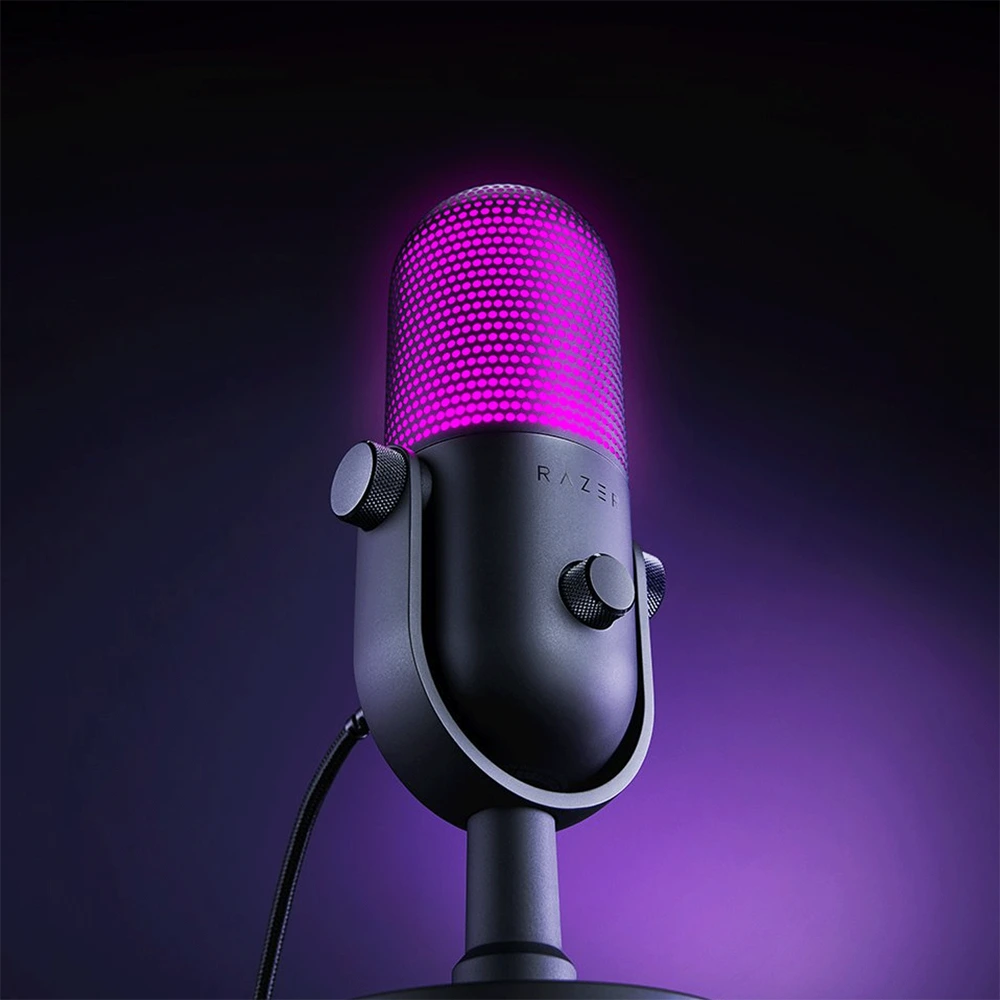
Kuwaiti homes are beautiful and terrible for recording. Tiled floors, bare walls, an air conditioner that runs all day: the room adds echo and a low hum before you've said a word. A microphone with tight pickup tackles a good share of that, well before acoustic panels come into the picture.
- Not sure where to begin? A USB condenser is the easy answer. Plug it into a PC or Mac and it just works, with no extra hardware, and it fits in with the mixing software most streamers already use.
- If you're a podcaster planning to grow, XLR is worth a look. Pair an XLR microphone with an interface and you can swap the mic later without replacing anything else in the chain. The Elgato Wave XLR Pro USB-C Audio Interface is a neat way in, and it connects to your computer through a single USB-C cable. Buy an XLR cable long enough for your desk, too, since one pulled tight will fail mid-session. Filming episodes as well? HD digital cameras come last, once the audio chain is sorted.
- Two small buys do more than their size suggests. First, a boom arm. The RODE PSA1+ Professional Studio Boom Arm brings the microphone right up to your mouth while keeping it out of frame and off the desk, so keyboard thumps drop and your levels stay more even. A mic stand works too if you prefer the traditional route. Second, headphones. With closed-back monitoring headphones like the Beyerdynamic DT 240 PRO on, you hear what your audience hears, including anything that needs fixing.
Get the Picture Right without Overspending
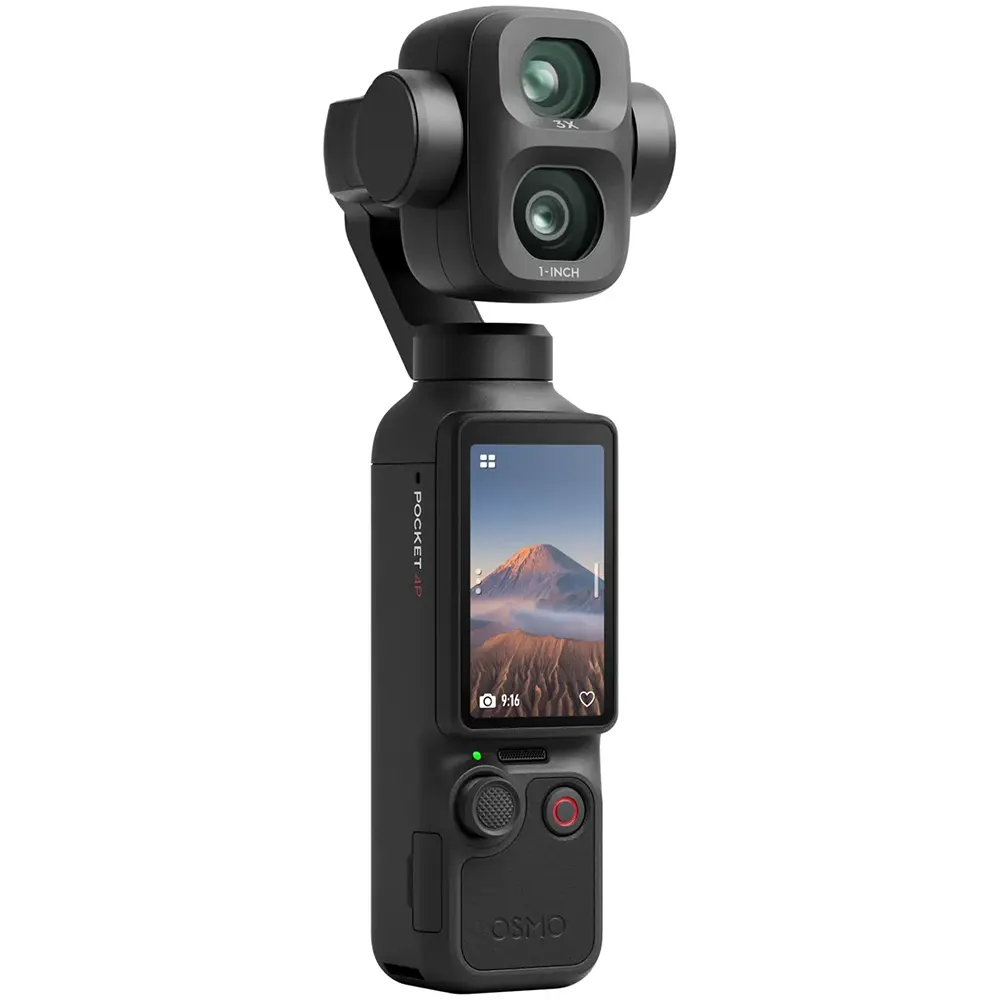
A webcam is the honest choice for most streamers and remote hosts. It's compact, there's no extra software to install, and current models do well in low light. Look for 4K (2K is fine too), a wide-angle lens, and automatic framing if you tend to wander while you talk.
Aiming for a more cinematic look, or streaming from a console? A capture card handles both. It takes video from a compatible console, digital cameras Kuwait streamers favour or second PC and sends it to your streaming software, which is how most dual-PC and camera-based streams are built.
Control the Whole Session from One Place
A live stream has plenty to juggle: scenes, sound alerts, mic mutes, lighting. Running all of that from a mouse is hard work when you're also talking. A programmable control deck gives each action its own key, so switching a scene or muting the mic is a single tap. Creators can also explore streaming device accessories for useful additions such as prompters, lighting, hubs and other setup essentials. If your videos are scripted, add a teleprompter, which lets you read while looking straight into the lens. Between the two, a stream feels planned.
Take the Setup on the Road
Step away from the desk and a different kind of content opens up: interviews, product walkthroughs, travel clips, event coverage. A compact kit is all it takes.
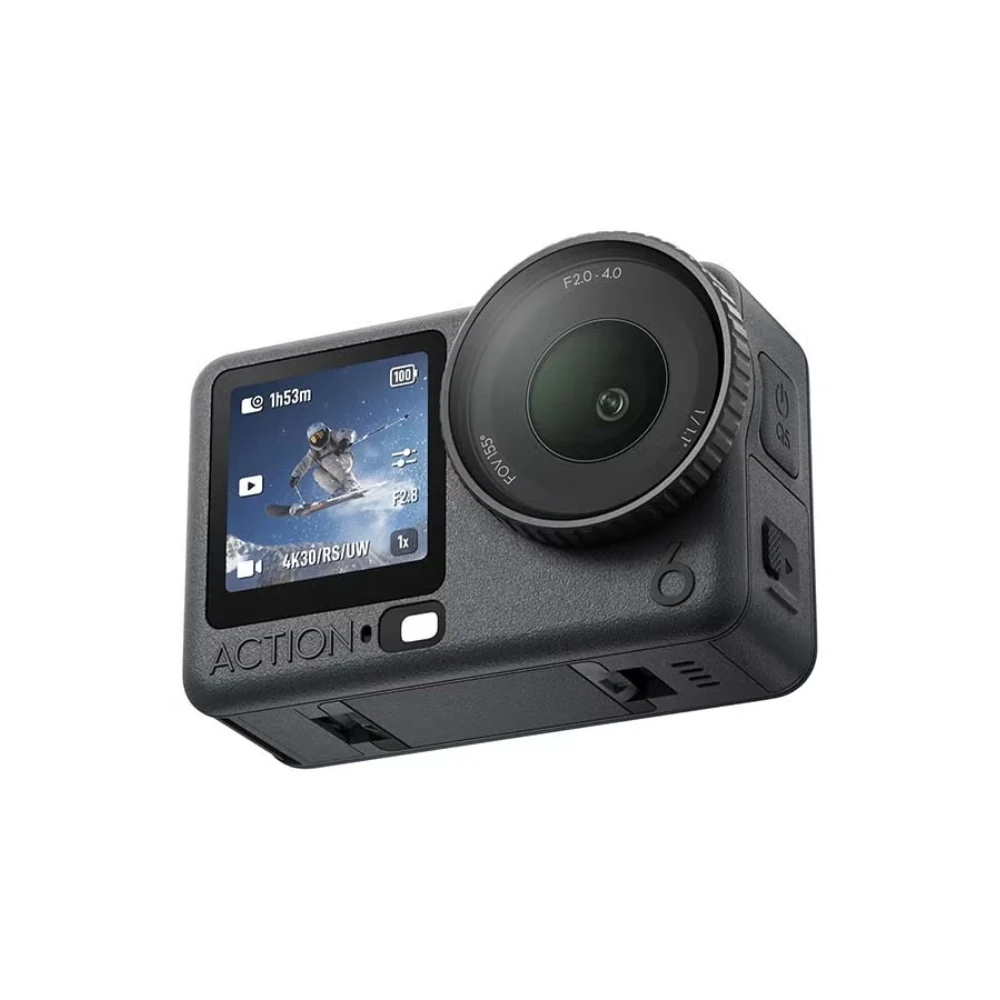
An action camera is the simplest starting point. Built for movement and rough conditions, the DJI Osmo Action 6 Adventure Combo arrives with extras in the box, so mounts are sorted from day one. For interviews and vlogs, add a wireless clip-on microphone. Sitting a hand's width from the speaker is why voices come through so clearly.
Once you're shooting regularly, a gimbal is worth adding for steadier footage. A fast card helps too, with fewer dropped frames and faster file transfers. The SanDisk Creator Series 512GB UHS-II SDXC Memory Card is built for 4K work and gives you room for a full day of shooting.
Three Setup Blueprints
Pick the row that matches how you create.
|
Creator type |
Core gear |
Add later |
|---|---|---|
|
Streamer |
USB condenser mic, 4K webcam, Stream Deck |
Capture card, boom arm |
|
Podcaster |
XLR interface, XLR mic and cable, boom arm, closed-back headphones |
Second mic for guests, video mixing console |
|
Mobile creator |
Wireless mic, camera, gimbal |
UHS-II memory card, 360 camera |
Top 5 Picks from the T4G Collection
If you would rather skip the research, these five cover most needs.
- Elgato Wave 3 Mk.2 USB Condenser Microphone. The best all-round first microphone on this list. Plug it in, open the software and you're ready to record.
- Razer Kiyo V2 Webcam. Records in 4K, and auto-framing keeps you in shot even when you move around.
- Elgato Stream Deck Neo. A friendly way into physical stream controls, with scenes, mutes and alerts a tap away.
- DJI Mic 3 Wireless Microphone. Clean wireless audio for interviews, vlogs and events, and light enough that you'll forget it's clipped on.
- Elgato 4K S External Capture Card. The link between a console or camera and your stream, and what makes dual-setup broadcasting possible.
Start Building Your Setup
Starting from zero? Buy the microphone first and record a week of content before adding anything else. Whatever annoys you in those recordings will point to the next purchase, and that's a better guide than any spec sheet.
Ready to buy streaming devices Kuwait creators trust? Everything covered here, from microphones and boom arms to cameras and cables, is available at T4G Store. Each product page lists its warranty, and if you'd like a second opinion before buying, the support team is on WhatsApp around the clock.
Every product above is available at T4G Store, with genuine brands and delivery across Kuwait. Microphones, mixers and capture cards all sit in the full Streaming & Podcast Devices range. For the camera side of the setup, head to Cameras & Accessories.
Explore Latest Tech Products Online in Kuwait
FAQs
A microphone, a way to monitor your audio, and a camera if you are recording video. That is the working minimum. Everything else, from capture cards to control decks, can be added once you know which part of your setup is holding you back.
No. Build in layers, starting with audio, then video, then control and mobility. Spreading purchases over a few weeks lets you test each piece properly and keeps you from paying for features you never use.
Streaming leans on video, scene control and low latency, so cameras, capture cards and control decks matter more. Podcasting leans on voice quality, so microphones, interfaces, boom arms and headphones take priority. Many creators do both, and the audio layer is shared between them.
Yes. Boom arms, XLR cables, stands and memory cards are the parts that most often cause failures or limit quality. The Streaming Devices collection includes these next to the microphones and mixers, so you can complete a setup in one order.
T4G Store sells genuine branded products, and each product page lists its stock status and warranty terms. Delivery covers all of Kuwait, and free delivery is available.


