
















The Ultimate PS5 Pro vs Custom PC: Which Should You Buy for 4K Gaming?

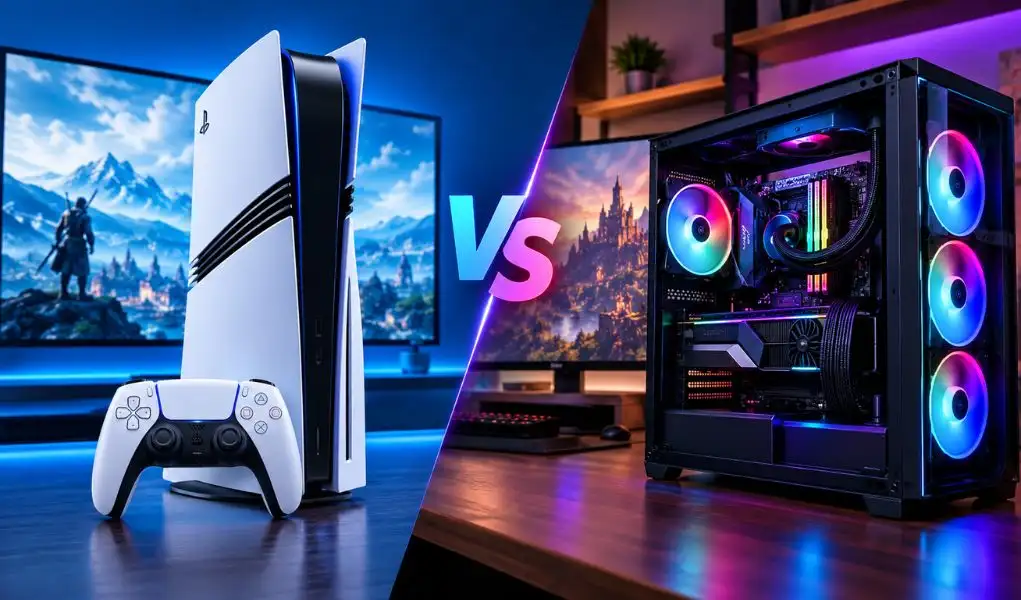
Every few years, gamers end up back at the same fork in the road. Console or PC. This time, the question has a sharper edge to it, because the PS5 Pro isn't a modest refresh, and a custom PC built around a current-generation GPU isn't cheap either. Both can be used for 4K gaming, but they approach it in very different ways, and picking between them comes down to how you actually play, not which one wins on a spec sheet.
The good news is that whichever way this goes, you're not choosing between two separate stores. T4G Store carries the PS5 Pro lineup and the components for a serious custom PC build side by side, along with the monitors, headsets, and desk gear that make either setup feel complete. This is less about declaring a winner and more about helping you figure out which one actually builds the best gaming setup Kuwait has to offer, at your budget.
What Makes the PS5 Pro Built for 4K
Sony didn't just bump up the clock speed on this one. The PS5 Pro runs a GPU with roughly 67% more compute units than the standard PS5, paired with meaningfully faster memory, which together push rendering performance up by close to 45%. Ray tracing also gets a major upgrade, with Sony stating that ray-tracing performance can reach up to three times that of the standard PS5.
The feature doing much of the heavy lifting for high-resolution gaming is PSSR, Sony's machine-learning-based image reconstruction technology. It helps compatible games produce sharper, high-resolution output from a lower internal rendering resolution, allowing the PS5 Pro to combine enhanced image quality with higher frame rates in supported titles. Sony says compatible games can reach 60fps or up to 120fps with 4K output, ray tracing and PSSR, although results vary by game. Add a 2TB SSD for faster load times and support for more than 100 PS5 titles enhanced for PS5 Pro, and you've got a PlayStation console designed to deliver a streamlined high-resolution gaming experience.
What a Custom PC Brings to the Table
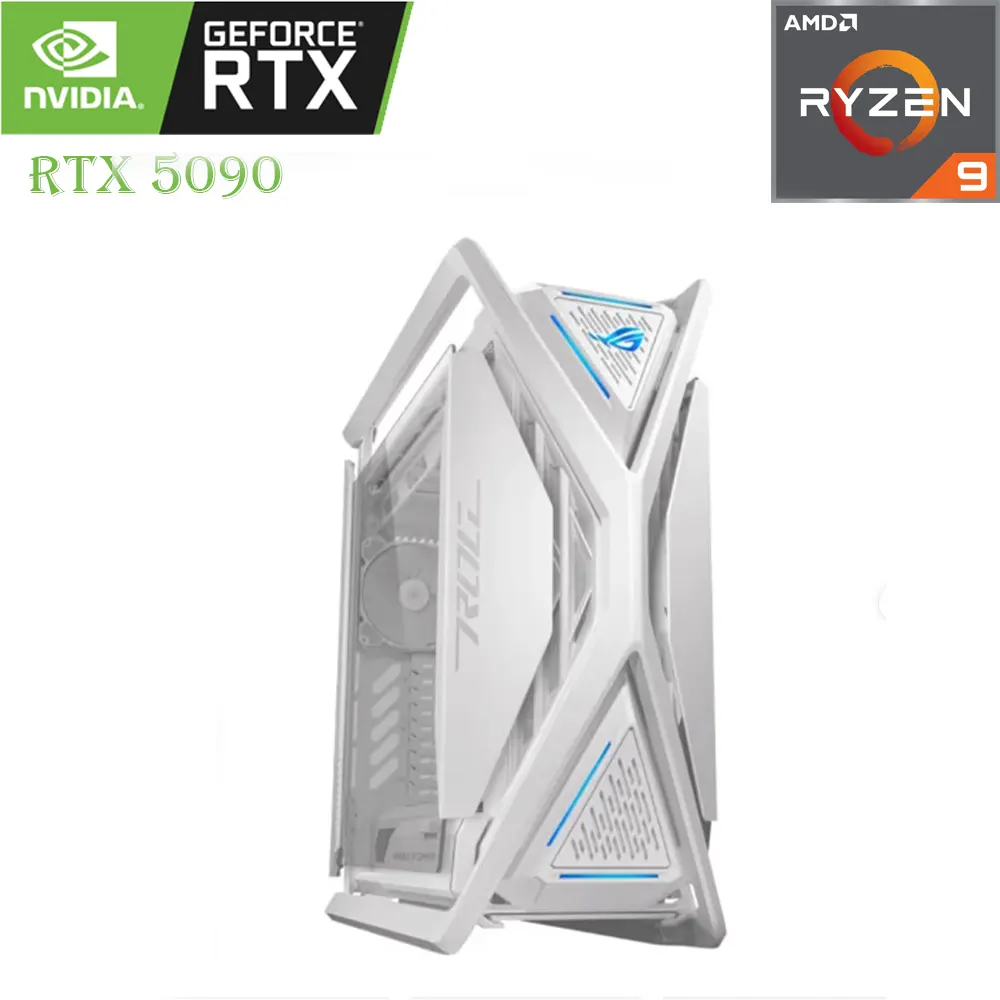
A custom PC plays a completely different game, literally and in terms of philosophy. Instead of one fixed piece of hardware, you're choosing every component: the GPU, the CPU, how much RAM, what kind of cooling. That flexibility is the entire point. Pair a capable GPU with a suitable CPU, sufficient memory and effective cooling, and a custom PC can deliver strong 4K gaming performance, with the exact frame rates and graphical settings depending on the hardware and game.
The other advantage shows up years later. A console gives you a fixed hardware platform, while a PC lets you upgrade individual components as your performance needs change. You can replace a graphics card, add more RAM or upgrade other components without starting over. For anyone who also creates content, streams, or wants day-one access to PC-exclusive titles and mods, that flexibility becomes part of the actual gaming experience for anyone building a custom gaming PC Kuwait gamers rely on for the long run.
Cost and Commitment: Two Different Kinds of Investment
The PS5 Pro asks for one upfront payment and gives you a fixed, known experience from day one. No compatibility questions, no build time, no picking parts that might bottleneck each other. For someone who wants to unbox a console and be playing within the hour, that simplicity is worth a lot.
A custom PC asks for more planning, and the initial cost can vary considerably depending on the GPU, CPU, storage, monitor and other components you choose. What you get in return is a machine that can be upgraded component by component as games become more demanding, rather than replacing the entire system at once. Browse T4G's Gaming PC & Components range or the ready-to-go options in the Gaming PC systems collection to get a sense of what a 4K gaming setup in your range actually looks like.
The Real Question: How Do You Actually Game?
Strip away the specs and this decision usually comes down to habit. If most of your gaming happens on a TV in the living room, controller in hand, exclusives like the next big PlayStation title pulling you in, the PS5 Pro is built exactly for that. It offers a streamlined 4K gaming experience without the hardware selection and configuration involved in building a PC.
If you're gaming at a desk, care about mod support, want the option to also edit video or run creative software on the same machine, or simply enjoy the process of building and upgrading your own rig, a custom PC can be upgraded component by component as your performance needs change, offering flexibility that a fixed console platform cannot. Neither path is the "correct" one. They're built for different rooms, different habits, and honestly, a lot of serious gamers in Kuwait end up owning both a PC and a PS5.
The Monitor Question Matters More Than People Think
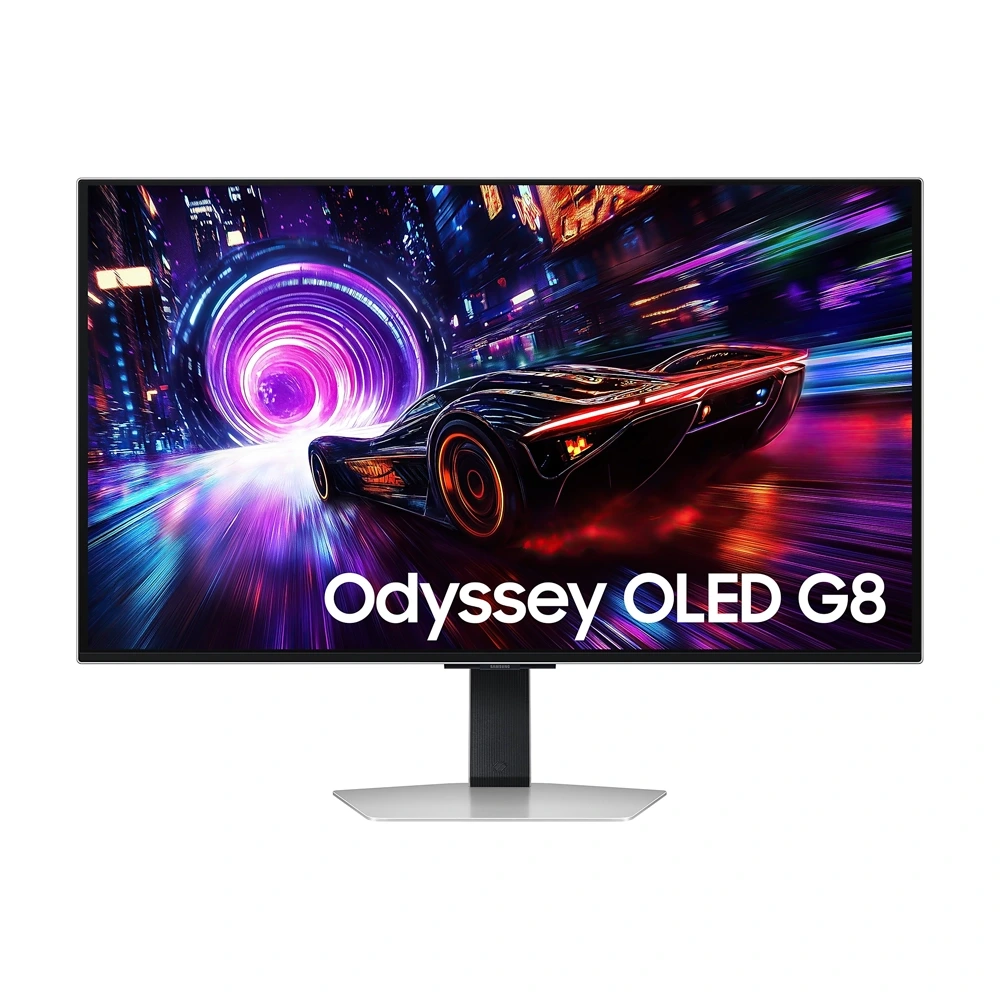
Whichever side of this comparison you choose, the display plays a major role in how you experience 4K gaming. For a setup built around high-resolution gaming, a 4K display with the right connectivity and refresh rate can make better use of the hardware driving it. T4G's Samsung 32" Odyssey OLED G8 G81SF combines 4K UHD resolution at 3840 × 2160 with a 240Hz refresh rate, 0.03ms response time and dual HDMI 2.1 ports. Its QD-OLED panel also brings deep blacks, HDR support and vibrant color to demanding games, making it a strong premium display option for a high-end gaming PC or compatible console setup.
Shop Gaming Monitor
Accessories That Improve Either Setup
Some gear is useful no matter which side of this debate you land on. A headset like the HyperX Cloud III can work across both PS5 Pro and PC setups, making it a versatile addition whichever platform you choose. If the setup lives at a desk, a proper gaming chair and adjustable desk can make long PC gaming sessions more comfortable, while a comfortable seating setup can do the same for late-night PS5 sessions.
Other PC gaming accessories, from gaming chairs and desks to ambient lighting, can also make long gaming sessions more comfortable regardless of which platform you choose.
Shop Gaming Chairs & Desks
Top 5 Picks for a 4K Gaming Setup, Whichever Side You Choose
A shortlist that works whether the plan is a PS5 Pro on a TV stand or a custom rig on a desk.
- Samsung 32" Odyssey OLED G8 G81SF 4K Gaming Monitor: A 32-inch 4K UHD QD-OLED display with a 240Hz refresh rate, 0.03ms response time and dual HDMI 2.1 ports, making it a premium choice for high-performance gaming.
- HyperX Cloud III Gaming Headset: A versatile headset option for both PC and PlayStation gaming, particularly useful for long sessions.
- PlayStation Consoles & Controllers range: For the console route, this gives gamers access to PlayStation consoles, controllers and related accessories.
- Gaming PC Components range: For the custom build route, this is where you can choose the core components, including GPUs, CPUs, motherboards, memory and other hardware.
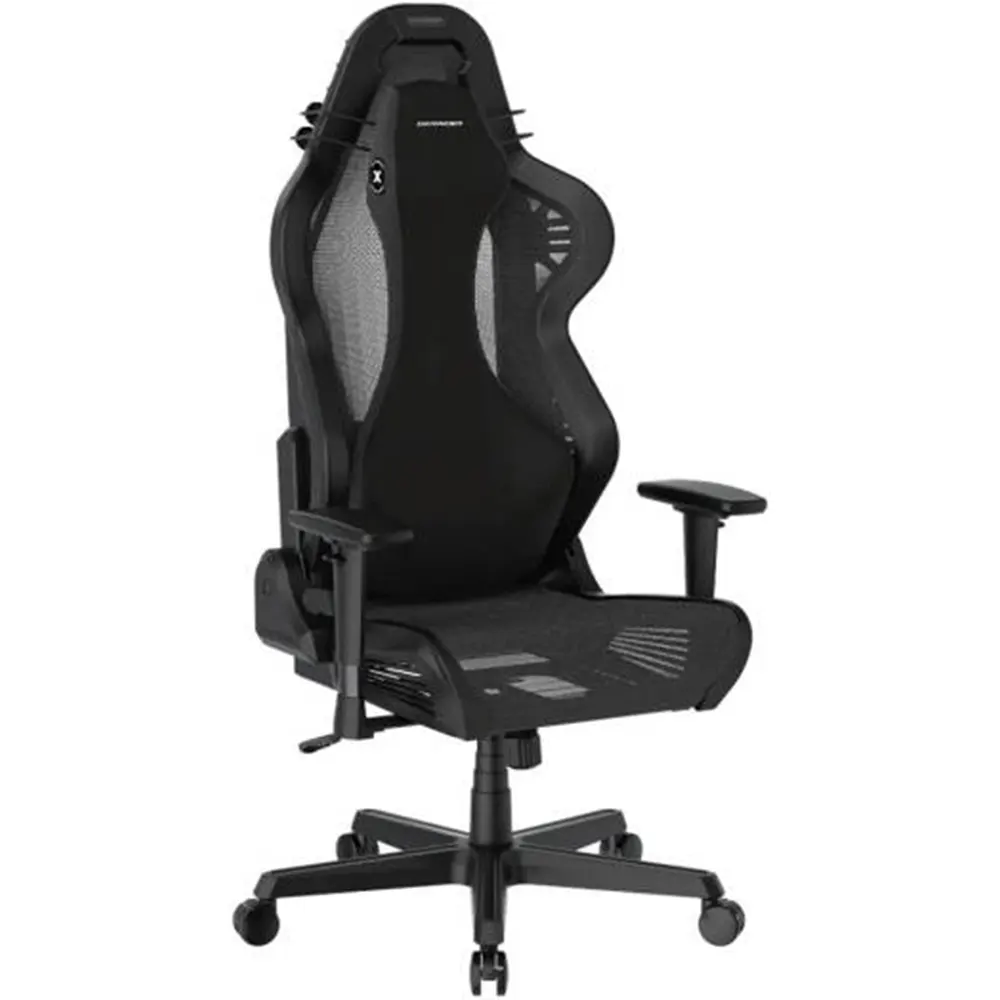
- DXRacer AIR Series Gaming Chair: A genuine upgrade for long sessions, whether at a PC desk or a console setup nearby.
Key Takeaways
- The PS5 Pro delivers a streamlined 4K gaming experience through stronger hardware and PSSR image reconstruction, with far fewer hardware and configuration decisions than a custom PC.
- A custom PC trades that simplicity for flexibility, letting you choose every component and upgrade the system for years to come.
- The right choice depends on how you actually play, how much flexibility you want and whether you prefer a fixed console platform or an upgradeable PC.
- A suitable 4K display with the right resolution, refresh rate and connectivity can help you get more from capable gaming hardware.
- Accessories like a good headset, chair, and ambient lighting improve the experience on either platform equally.
Browse the PS5 range and Gaming PC & Components collection at T4G Store, Kuwait's one-stop shop for gaming gear and the latest technology, and build the best gaming setup Kuwait has to offer around whichever side of this debate actually fits how you play.
Shop Latest Tech Products Online in Kuwait
FAQs
It depends on the game. Some titles render at or near native 4K, while others use PSSR, Sony's machine-learning-based image reconstruction technology, to produce a sharp high-resolution image from a lower internal rendering resolution. In practice, the result looks close to native on a good display, and it's part of how the console keeps frame rates high without sacrificing visual detail.
Only if it's built with hardware that actually exceeds the PS5 Pro's GPU. A budget-focused PC build can end up weaker than the console for gaming specifically, while a mid-to-high-end build will generally pull ahead, especially on frame rate. It really comes down to which components go into it.
Yes. A PS5 Pro can be connected to the same 4K gaming monitor as a PC as long as the display supports the required resolution, refresh rate and connectivity. HDMI 2.1 is particularly useful for high-bandwidth 4K output at higher refresh rates, and the Samsung Odyssey OLED G8 G81SF includes two HDMI 2.1 ports.
For a console setup, that mostly comes down to choosing a suitable display and having enough storage for your games, since you cannot upgrade the core processing hardware. For a PC, future-proofing is more active: choosing a capable GPU, suitable power supply and a motherboard with room for compatible upgrades can help keep the system relevant as games become more demanding.
For 4K gaming at higher refresh rates, the cable should support the bandwidth required by your console, GPU and display. HDMI 2.1 is suitable for setups that require higher bandwidth, particularly for 4K at high refresh rates. Check the specifications of your console, GPU, monitor and cable to make sure they are compatible with the performance you want.


