
















iPad vs MacBook for Schoolwork: Which Should You Buy for Your Teen?

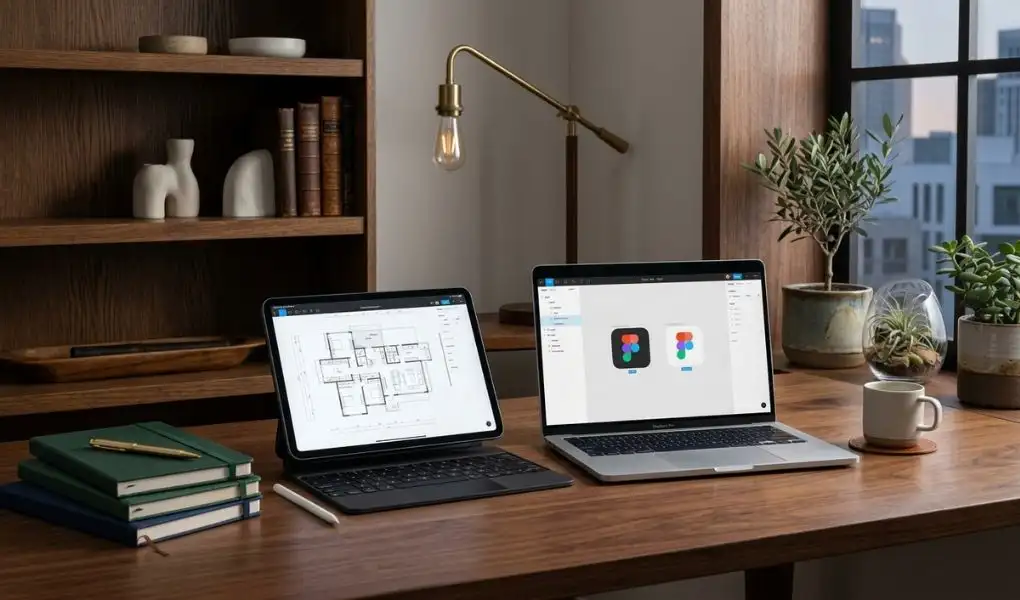
Schoolwork no longer stays between textbooks and exercise books. Notes, assignments, research material and project files increasingly find their way onto a screen, with students moving between written work, online resources, presentations and creative tasks throughout the week. So, the decision is not really about choosing the superior device. It comes down to which one fits the student’s actual study routine.
For parents considering apple products for schoolwork, both an iPad and MacBook can make a strong case. The difference comes down to how the device will be used once it leaves the box. One may spend most of its time displaying notes and textbooks, while another may become the centre of a student’s writing, research and project work.
Start With How the Student Studies
Some teenagers have a notebook open beside them while they study. Others have fifteen browser tabs open, a document in progress and a presentation waiting to be finished. That difference matters.
Students who prefer handwritten notes and visual learning may find an iPad particularly useful. A compatible Apple Pencil allows them to write directly on the display, annotate reading material, work through equations or add diagrams to their notes. A compatible keyboard can also be added when an assignment calls for longer stretches of typing.
A MacBook takes a more traditional route. There is a physical keyboard, a larger laptop display and a desktop operating system built around applications, files and multitasking. For students whose schoolwork involves a lot of writing and research, the MacBook offers a familiar computer-based setup that is well suited to longer assignments and everyday academic work.
Neither approach is inherently better. They simply suit different study habits.
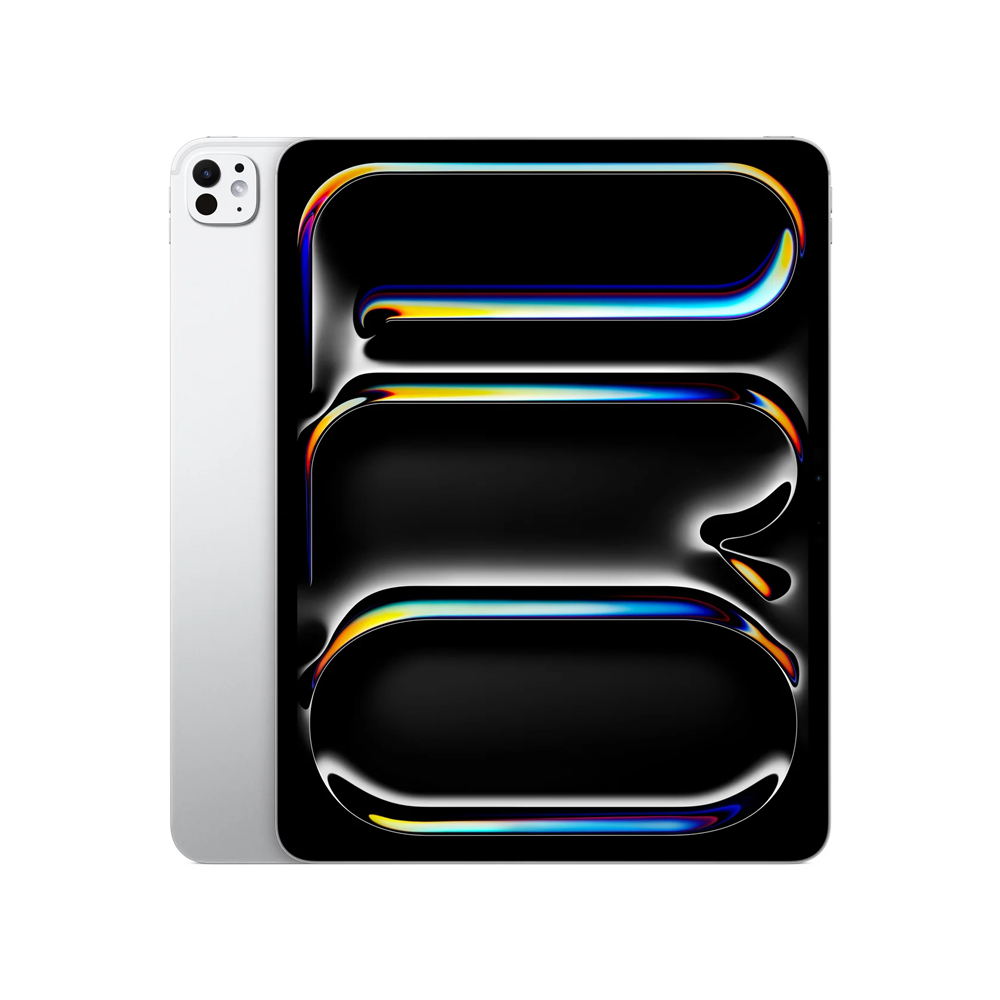
Where an iPad Can Become a Daily Study Companion
The iPad’s usefulness becomes even more apparent when study does not happen at a desk. A few minutes of revision can mean reading through a textbook, adding notes to a PDF or working through a diagram. The same iPad can then be used to review a presentation or work on a creative assignment. Having those activities on one portable device gives students plenty of freedom in the way they approach their work.
The Apple Pencil adds another dimension. Instead of typing every thought, a student can write naturally on the display. This can be useful for mathematics, science diagrams, mind maps and subjects where visual notes are part of the learning process.
For creative teenagers, the same device can move beyond schoolwork. Creative work can fit into that same setup, from quick sketches and illustrations to photo-based assignments and other visual projects. An iPad can make these creative tasks feel more natural, particularly when drawing, editing or working with visual content.
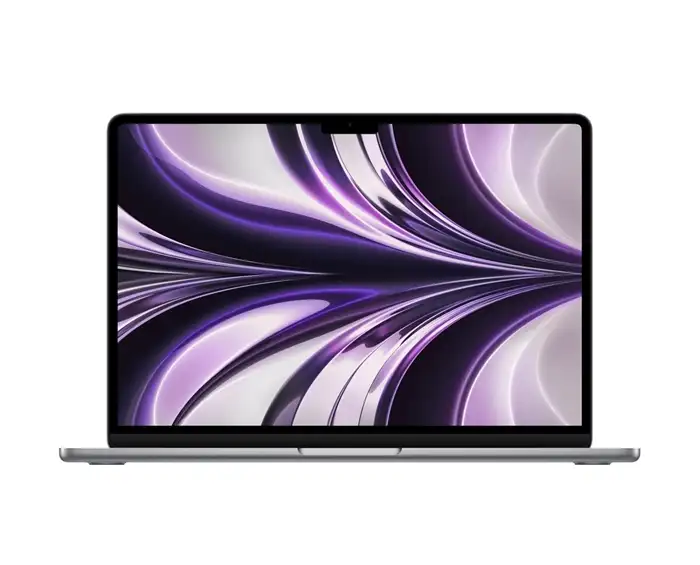
When a MacBook Becomes the Better Workspace
Then there are students who sit down to study and start typing. Long-form assignments can mean hours of typing, particularly when essays, presentations and group projects start to pile up. With its built-in keyboard and larger laptop display, a MacBook gives this kind of work a dedicated space. The difference becomes noticeable when an assignment grows.
A student might be researching a topic while writing a report, checking information in another browser window and preparing slides at the same time. On a MacBook, these activities can sit comfortably within a desktop-style workflow.
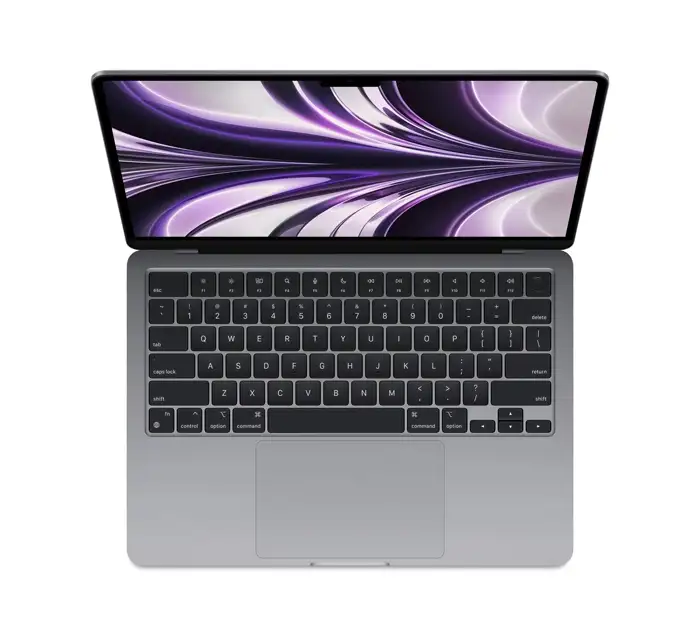
There is also the question of what happens after school. Students heading towards coding or other technology-focused subjects may find the MacBook especially useful for its desktop environment. The same applies to teenagers taking an interest in video editing, music creation or design, where desktop applications can become part of the learning process. Current Mac models with Apple silicon are built to handle these kinds of everyday and more demanding workloads.
For students whose interests are already moving in that direction, MacBook accessories can also help create a more practical setup for extended study, creative work and personal projects. A MacBook can become useful well beyond the school syllabus.
The iPad Works Especially Well for Notes and Revision
There is something practical about having an entire set of notes in one place. Digital notes can also be easier to keep together. With an iPad, handwritten pages, PDFs and other study material can live in the same place, making it simpler to return to a particular topic when revision time comes around.
A history student might annotate a source document. A biology student might sketch and label a diagram. A mathematics student can work through calculations by hand. An art student can move straight from a lesson into a creative project.
Adding a compatible keyboard changes the equation again. When an essay needs to be written, the same iPad can move into a more conventional typing setup. Apple’s compatible keyboard options are designed to bring laptop-style typing and trackpad control to supported iPad models. For parents looking to buy iPad in Kuwait, choosing the right model and compatible accessories can make the setup more useful for schoolwork.
The MacBook Has Its Own Kind of Flexibility
Portability is not exclusive to tablets. A MacBook can move between home, school and study sessions while retaining the same familiar workspace. Files, applications, browser tabs and ongoing projects stay within the same computer environment, which can be especially useful for students handling several assignments at once.
The MacBook does not necessarily get put away when the school day ends. It can continue to serve as a coding machine, creative workstation or space for presentations, music and personal projects. For teenagers whose interests keep expanding, having that range in one computer can prove useful over time.
A Few Everyday Situations Make the Choice Clearer
Rather than comparing specifications alone, parents can look at a normal week.
- If most study time involves handwritten notes: An iPad paired with an Apple Pencil makes a natural combination.
- If assignments regularly involve several pages of typing: A MacBook offers a dedicated physical keyboard and a comfortable desktop-style workspace.
- If the student enjoys drawing or visual projects: The iPad’s touchscreen and Apple Pencil, along with the right Apple accessories create a direct creative setup.
- If coding is becoming an interest: A MacBook offers the macOS environment that can support computer-based development workflows.
- If digital textbooks and PDFs are used constantly: The iPad’s tablet format makes reading and annotation particularly convenient.
- If schoolwork involves research, documents and multiple applications together: The MacBook’s larger computer-style workspace can be a strong fit.
- If the student wants one device that can switch between handwriting and typing: An iPad with the right accessories can cover both styles.
It Is Really About the Student, Not the Screen
The decision becomes easier when the teenager’s own habits take centre stage.
Someone who prefers filling pages with sketches, handwritten notes and visual ideas may find the iPad a natural match for the way they study. Another who writes lengthy assignments, researches extensively and has started exploring coding or desktop creative applications may feel more at home with a MacBook.
For parents shopping through T4G Store, the decision can also include the Apple products accessories that complete the setup. An iPad can be paired with Apple Pencil and a compatible keyboard for a flexible study arrangement. A MacBook can become a more conventional workstation with the right desk accessories and peripherals.
The choice does not have to be about finding a winner between two Apple devices. It is about matching the device to the way a teenager already works, along with the direction their interests are likely to take.
For one student, that may mean writing a formula by hand on an iPad before turning it into a finished assignment. For another, it may mean opening a MacBook and spending the evening researching, writing and building a presentation.
Both can be productive. The right one is simply the device that makes that student’s way of working feel more natural.
Buy Latest Tech Products Online in Kuwait
FAQs
Both can be excellent choices, depending on the student’s routine. An iPad suits handwritten notes, reading, annotations and creative assignments, while a MacBook works particularly well for extensive typing, research, multitasking and desktop applications. The subjects, study habits and type of assignments should guide the final decision.
Yes. A compatible keyboard can turn an iPad into a practical setup for essays, reports and presentations. Students can switch between typing and handwriting whenever needed, retaining access to Apple Pencil for notes, diagrams and annotations. This makes the iPad a flexible option for schoolwork that involves different types of tasks.
A MacBook can handle a wide range of creative work, including presentations, video editing, music projects and graphic design. For students whose interests extend into coding or other technology-focused areas, its desktop environment can also be useful. The choice of model can then be based on the applications and level of performance required.
The right accessories depend on how the iPad will be used. T4G Store recommends considering Apple Pencil for students who rely on handwritten notes, sketches or document annotations, while a compatible keyboard can make longer writing assignments more convenient. Together, they can broaden the ways an iPad fits into a student’s routine.
T4G Store suggests looking at the student’s everyday work first. An iPad may suit someone who prefers handwritten notes, visual learning and portability, while a MacBook can fit students focused on writing, research, multitasking or desktop software. Considering current subjects alongside future interests can help make the choice more practical.


