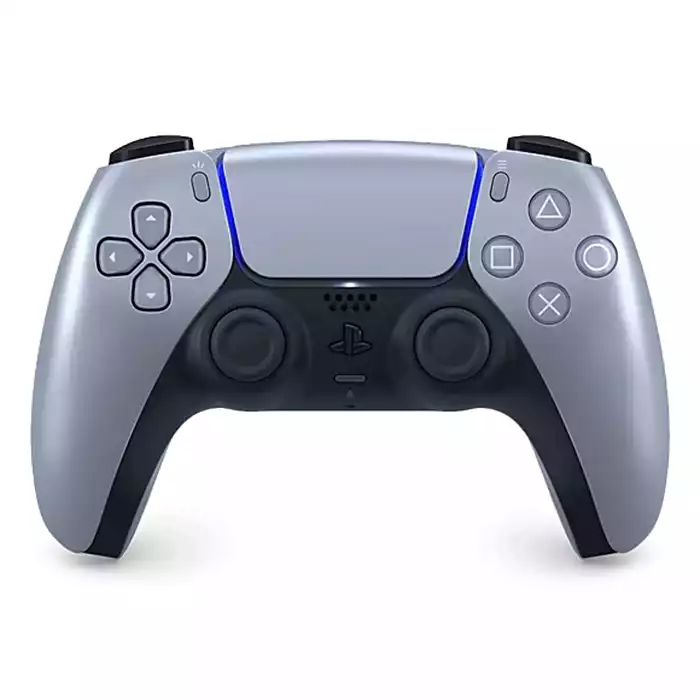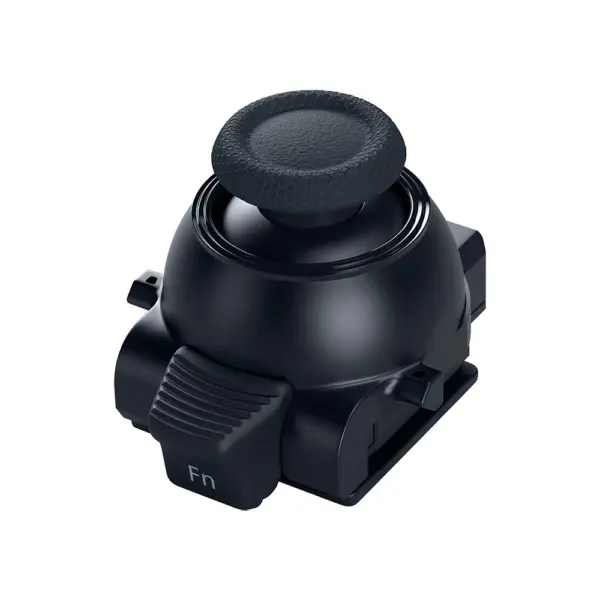















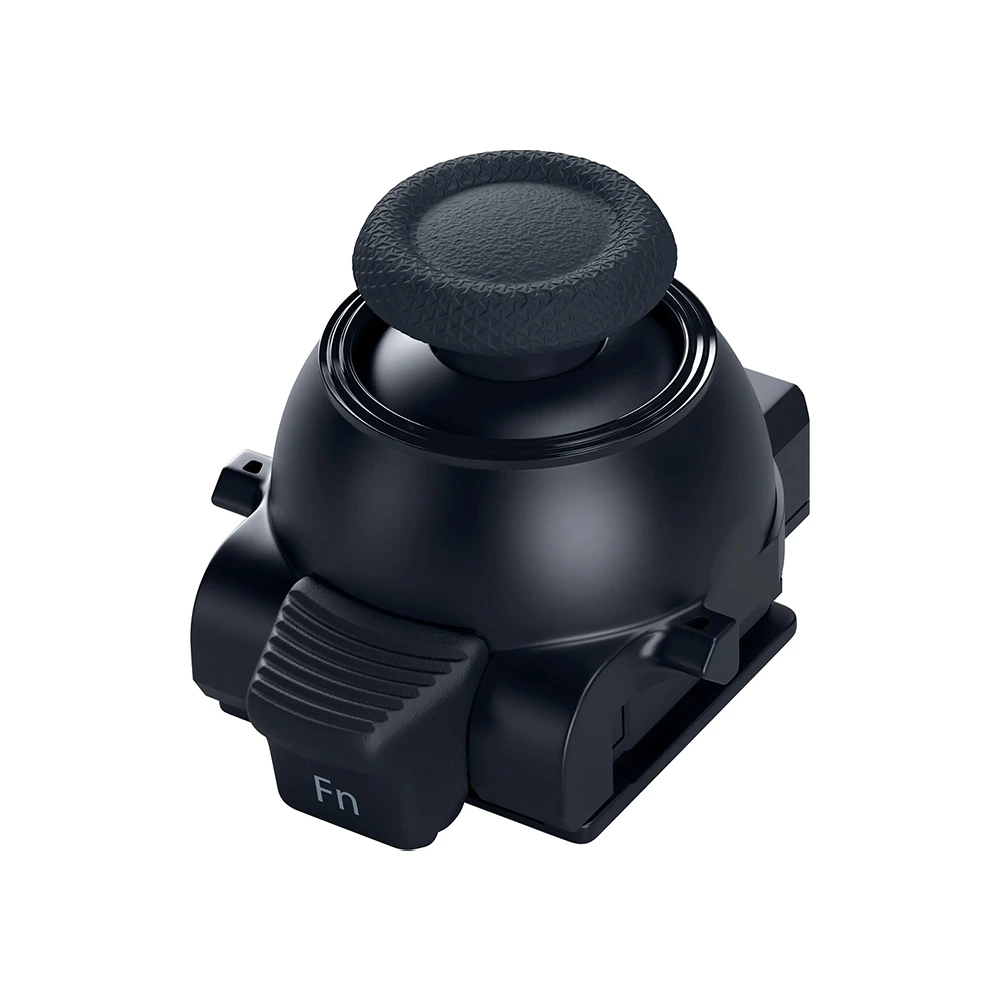
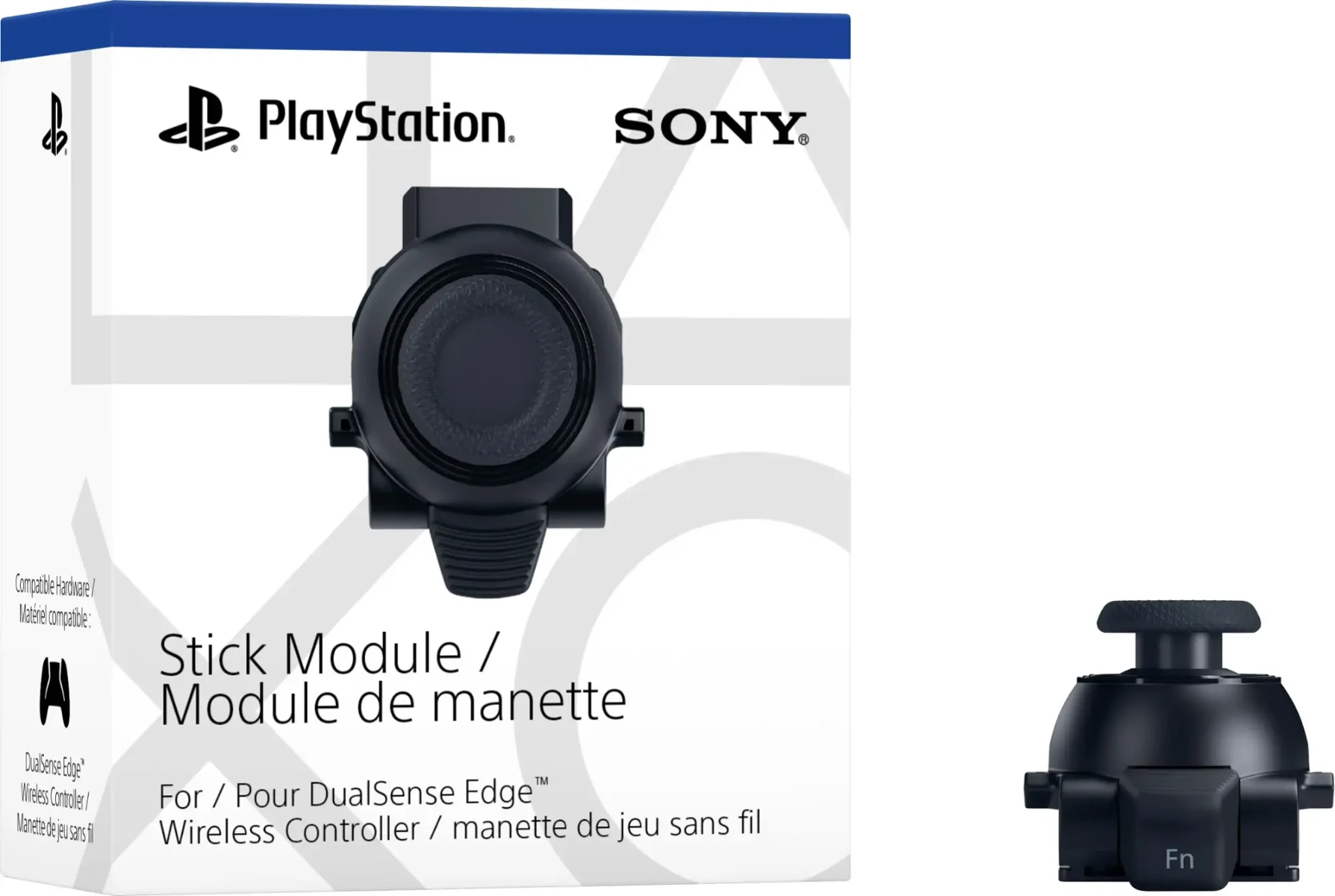
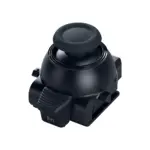
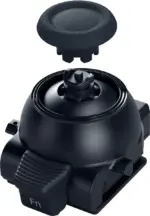
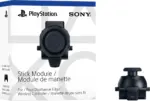

Sony – Stick Module For Dualsense Edge Wireless Controller
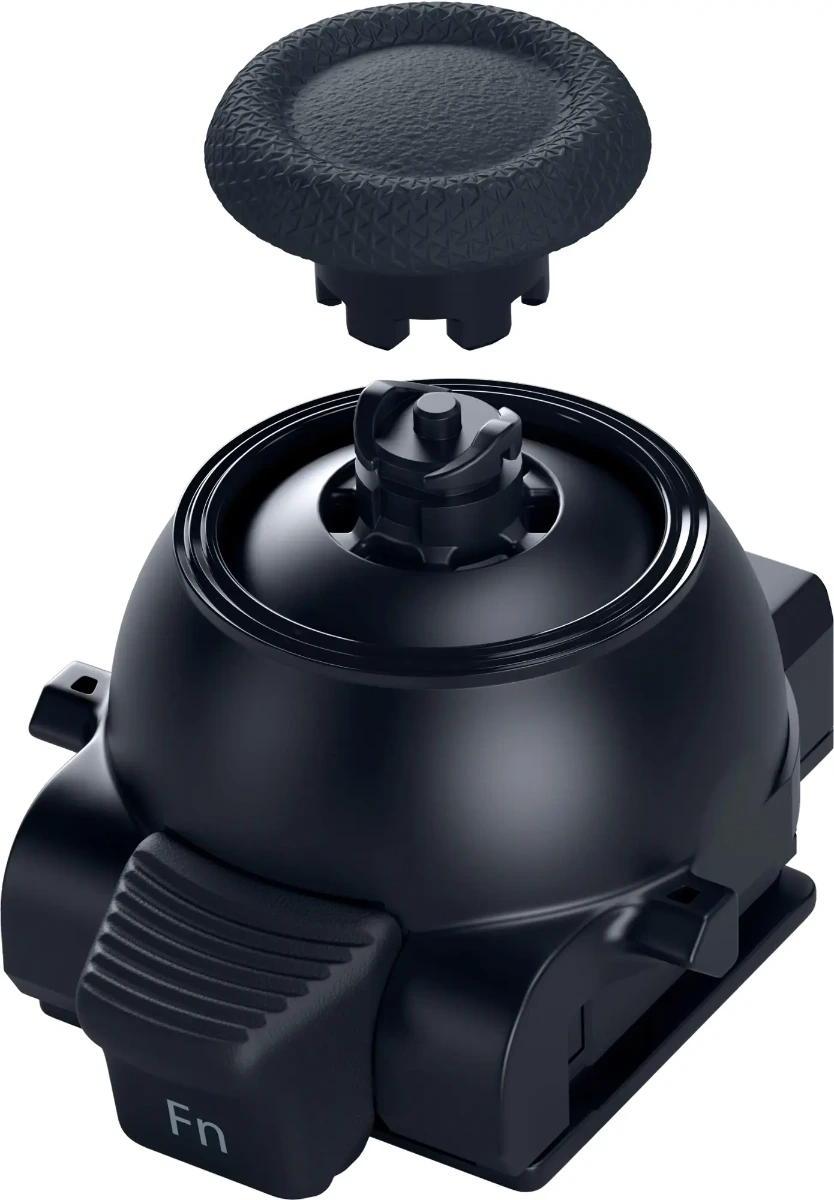
Maintain your DualSense Edge™ wireless controller’s great performance with this replacement stick module. Aim and move with precision by swapping in fresh stick modules so you’re always playing with equipment that’s in great shape.
How to replace a stick module on your DualSense Edge™ Wireless Controller
Step 1
Make sure the player indicator on the controller is off. If the player indicator is on, press and hold the PS button until it turns off.
Step 2
Disconnect the USB cable from the controller.
Step 3
Remove the front cover. Slide the RELEASE latch on the back of your controller to remove the cover.
Step 4
Raise the release lever.
Step 5
Remove the stick module and attach a new stick module. Make sure that the stick module is positioned correctly, and then slide the module along the grooves of the controller until you hear a click.
Step 6
Lower the release lever.
Step 7
Attach the front cover. Align the raised parts of the cover with the notches on the controller, and then carefully push the cover into place until you hear a click.