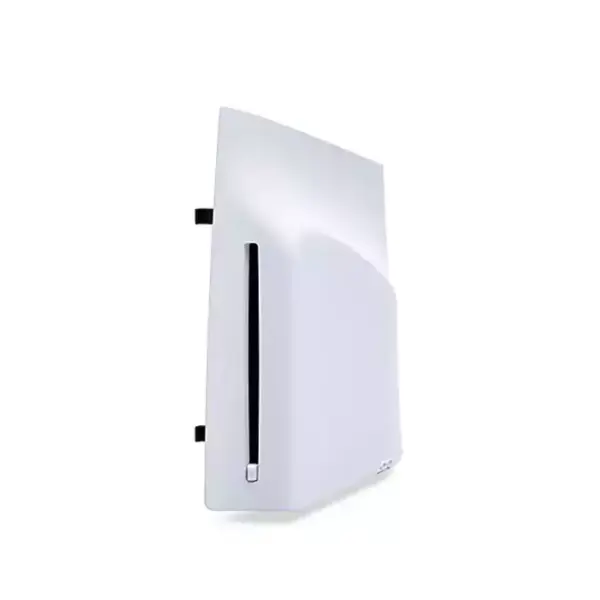














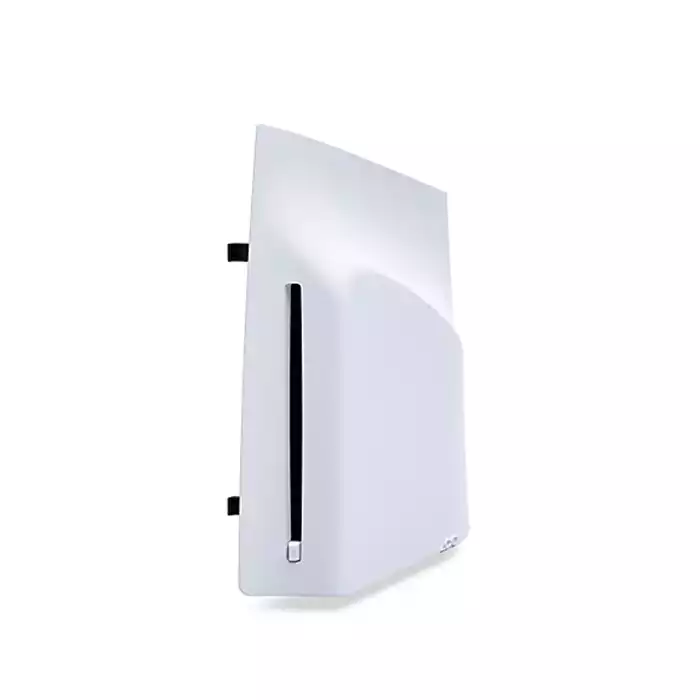
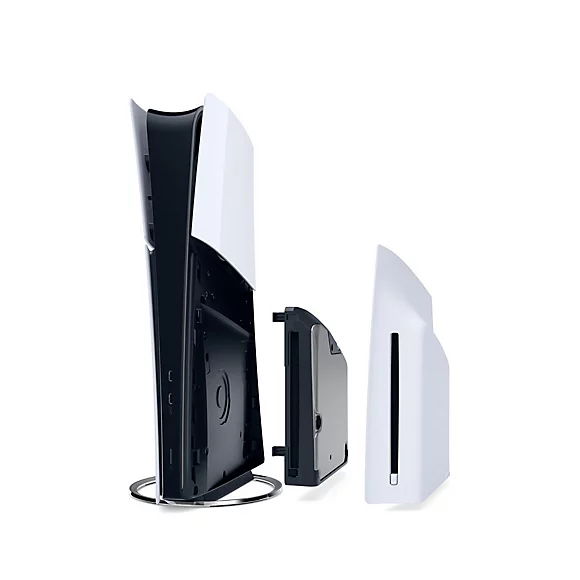
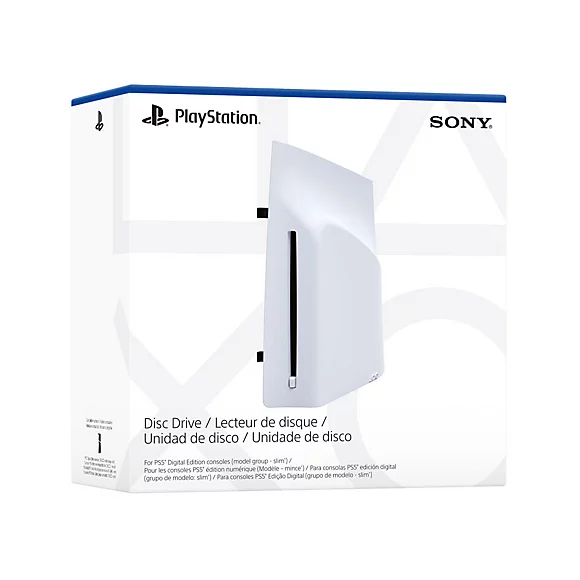
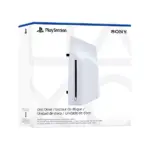

How to attach the disc drive to PS5 consoles (CFI-2000 model group – slim)
Place your console on a soft cloth spread over a flat surface before attaching your disc drive.
Step 1
Go to the control centre and select Power > Turn Off PS5. The screen goes blank, the power indicator flashes white, and then turns off.
Step 2
Remove the AC power cord and cables, and then wait for the PS5 console to cool down. The main unit of your console is hot immediately after use.
Step 3
Place the console with the bottom facing up and the front side facing you, and then remove the horizontal stand feet (short).
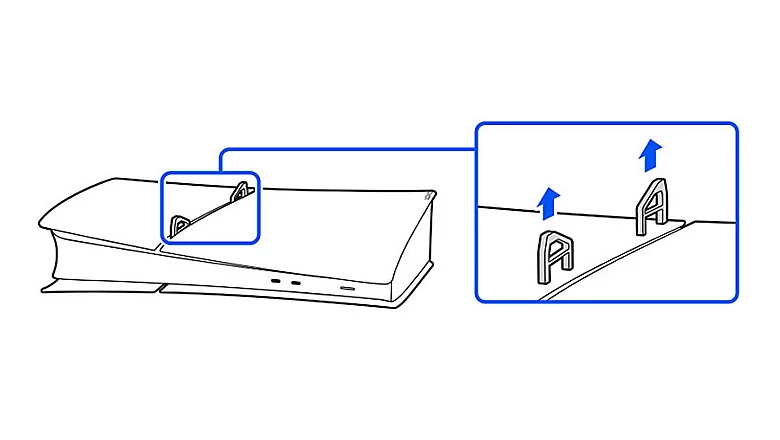
Step 4
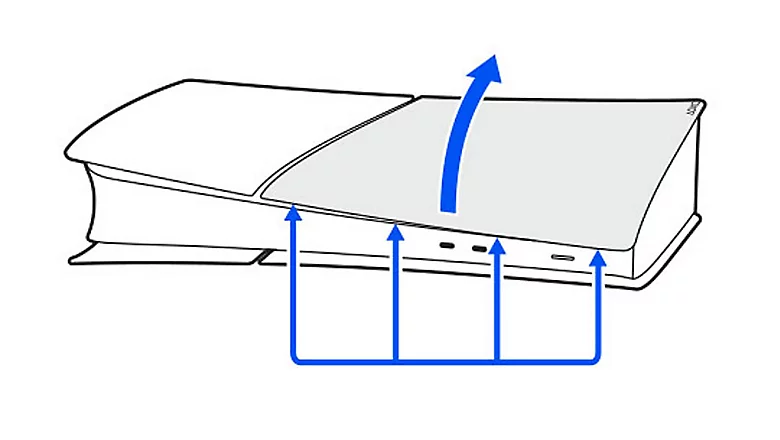
Slightly lift the circle cover away from the console to detach its clips and remove it.
Step 5
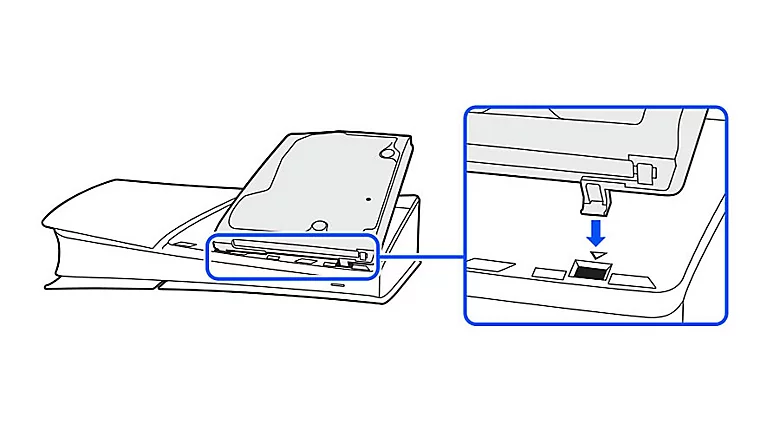
Align the disc drive’s clips with the 2 holes (marked with an upside-down triangle), then firmly push in until you hear a “click”.
Step 6
Attach the circle cover and horizontal stand feet (long) included with your disc drive. Align the cover’s clips with the corresponding holes on the console and push in until you hear a “click”.
Step 7
Connect the AC power cord and cables, and then turn on the power.
Keep the feet and cover you removed in steps 3 and 4 somewhere safe. They are needed to use the PS5 console without the disc drive attached.
Internet connection required to pair disc drive and PS5 console upon set up.