











Detachable Remote
Composition in Your Hand
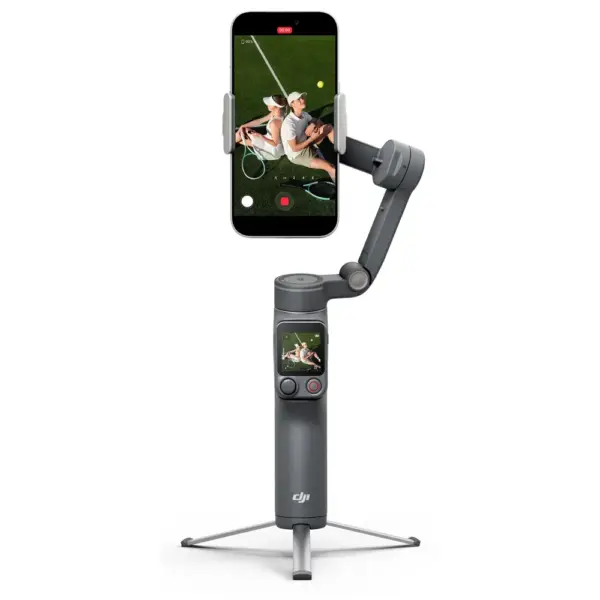
The new Osmo FrameTap mirrors the view from your phone or the Multifunctional Module 2. Whether you are framing a rear-camera selfie or directing a shot from a distance, your composition stays clear and in your control.
Tap To Track
The remote screen automatically frames subjects with detection boxes. Simply tap a box to lock focus and begin tracking. Effortlessly switch between different subjects by tapping on their detection boxes .
Adjust the Lighting
Adjust Multifunctional Module 2’s fill light directly from Osmo FrameTap.
- Eight brightness levels
- Eight color temperature settings
Intuitive Joystick Control
Control gimbal movement, zoom, and the fill light on the Multifunctional Module 2 with your thumb.
Snap On, Snap Off
- Attach or remove the remote quickly
- Use it on the handle for one-handed filming
- Hold it separately for more flexible framing
- Magnetic design
Upgraded Tracking for All Your Subjects
Locks on To Anything
The new Multifunctional Module 2 tracks more than people, cats, or dogs. It follows general objects too.
Quick Start With Apple DockKit
Supports Apple DockKit
Simply tap your phone on the NFC area of the gimbal to pair via Bluetooth. Once magnetically attached, seamless tracking begins.
ActiveTrack 8.0, Unwavering Focus
ActiveTrack 8.0 keeps your subject front and center and handles obstructions and fast shifts.
Intelligent, Reliable Tracking
Wherever you go, the camera follows. Osmo Mobile 8P adapts to diverse scenarios to keep your subject clear.
Subject Tracking
The gimbal automatically detects and follows your movements.
Dual Lens Boost
Wide-angle and telephoto lenses team up to track fast-moving subjects across a larger area. If your subject moves out of frame, the Mimo app automatically brings them back.
Integrated Design, Ready To Create
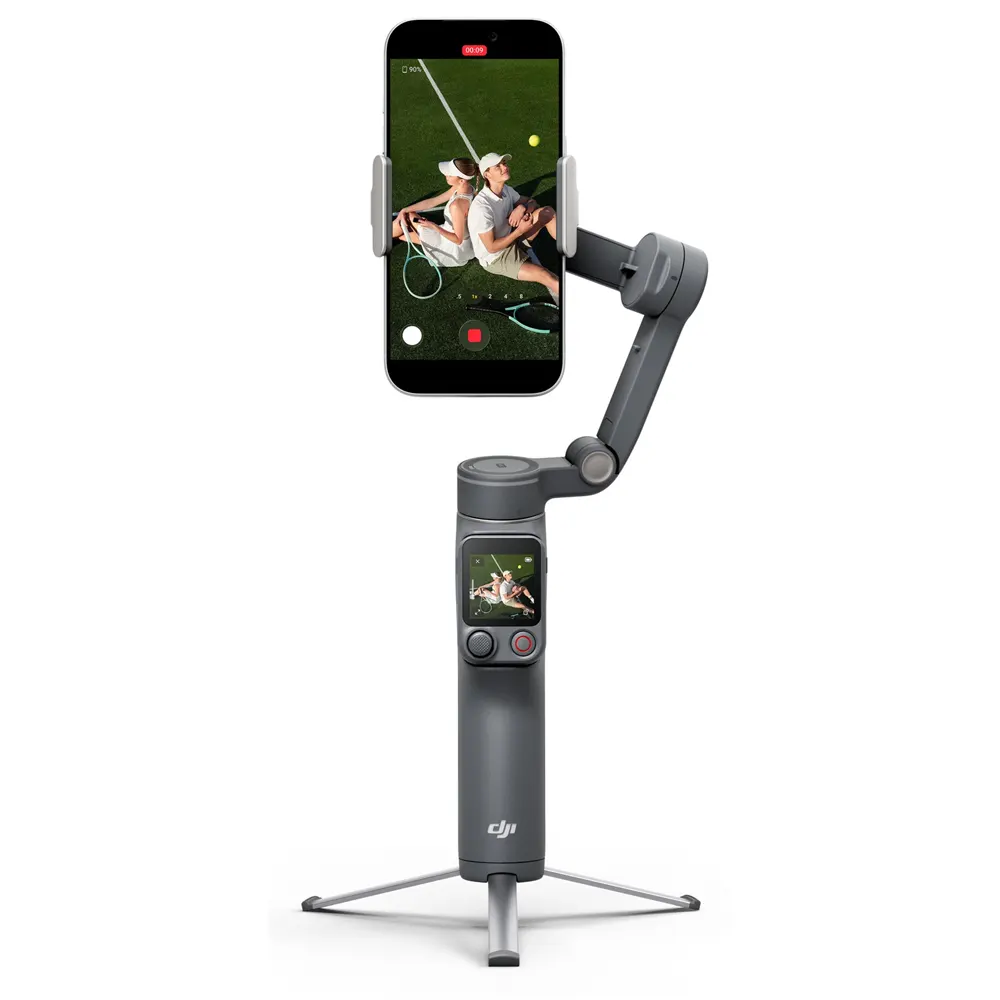
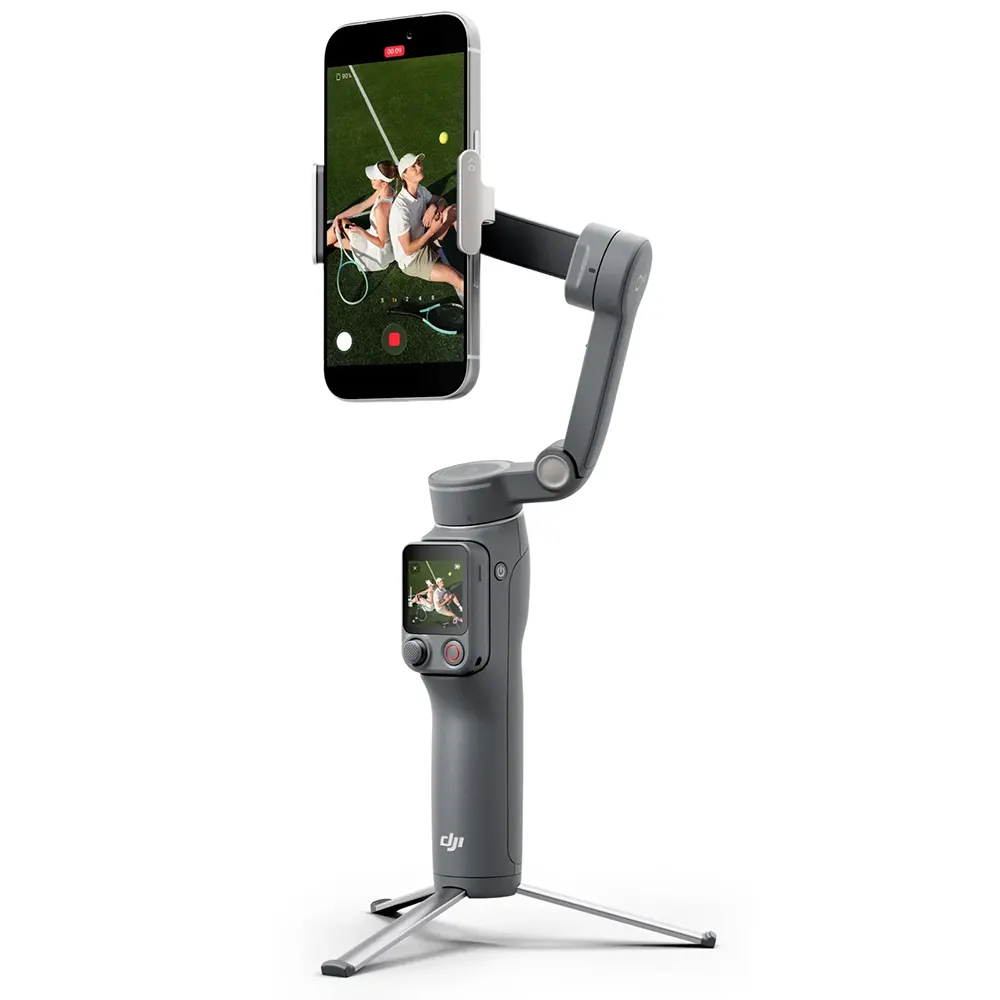
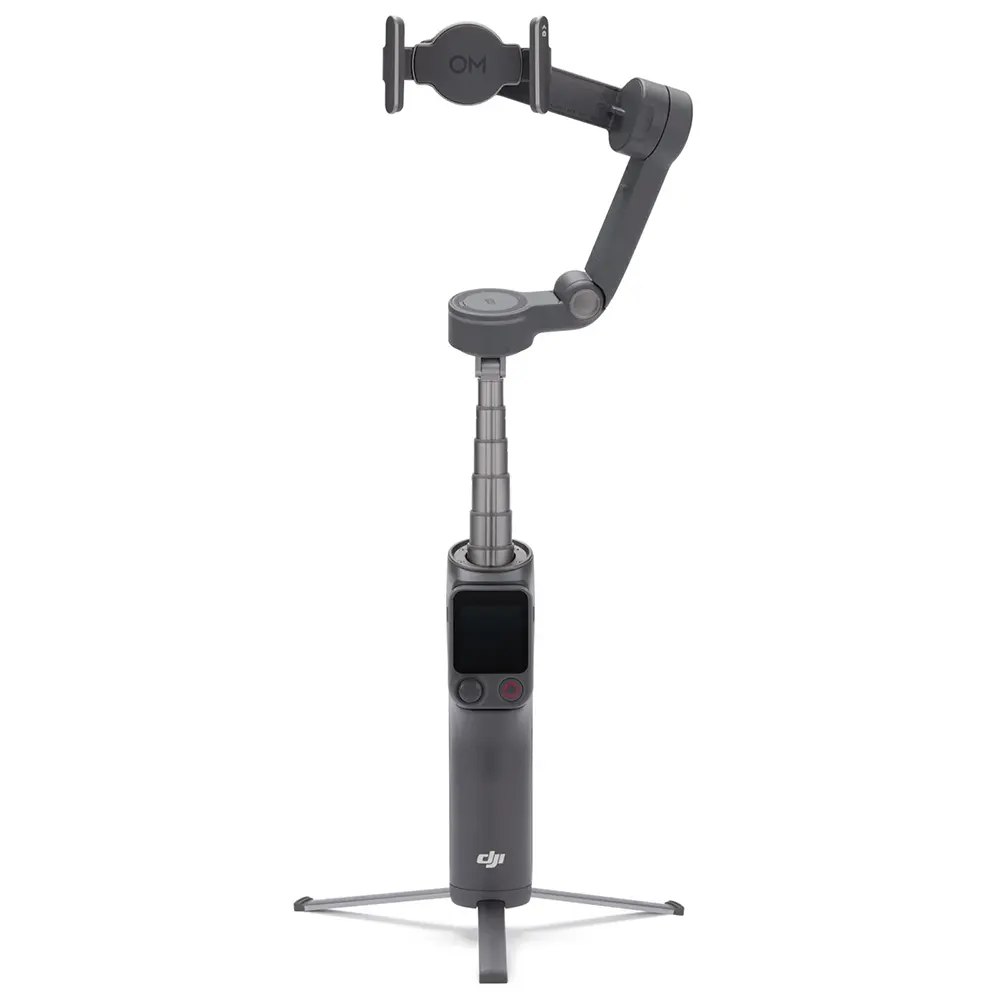
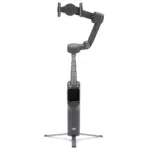
Osmo Mobile 8P features a built-in extension rod and tripod.
Fill Light
The fill light on the Multifunctional Module 2 features:
- Eight brightness levels
- Eight color temperature settings
Built-in Extension Rod
The built-in extension rod expands your field of view for friends, pets, scenery, overhead angles, and low angles.
Built-in Tripod
Integrated directly into the handle, the tripod opens wider for enhanced stability on various surfaces.
Power Through Every Moment
- Up to 10 hours of operating time
- USB-C port
- Phone charging
Master Mobile Movement
Next-generation stabilization creates a solid foundation, while intuitive modes give you creative freedom.
Stabilization Evolved
With boosted motor power, 8th-generation stabilization keeps footage steady.
PTF
The camera view follows the gimbal’s pan and tilt movements and stays stable during rolls.
FPV
All three axes of the gimbal follow the movement of the main body.
PF
The camera view only follows the gimbal’s pan movements and stays stable during tilts and rolls.
SpinShot
Push the joystick to the left or right to control the rotation of the camera view.
Creative Modes, Cinematic Flair
360° Infinite Spin
The pan axis supports unlimited 360° horizontal rotation.
Low-Angle Shots
Tilt the pan axis forward to shoot from a lower level. Multifunctional Module 2 can automatically follow children, cats, dogs, and general objects.
Slow Shutter
Capture light trails where stillness and motion interplay.
Action Shot
Draw a box around an athlete or dancer and the gimbal responds quickly to keep them in the frame.
DynamicZoom
Use Move In and Move Out modes to get stretching and compressing visual effects.
Widescreen
Record directly in the classic 2.35:1 format.
Start Easily With DJI Mimo
Gesture Control
Enable Gesture Control in the Mimo app and select Follow & Shoot. Make a “V” or “Palm” gesture to activate ActiveTrack and start recording.
Composition Assist
In ActiveTrack mode, enable Composition Assist and use Golden Ratio overlays.
Built-in Filters
Apply themes like:
- Retrofilm
- Gourmet
- Portrait
Support for LUT imports and real-time previews.
One-Tap Editing
The DJI Mimo app supports AI-powered one-tap editing and exclusive video templates.
ShotGuides
ShotGuides automatically analyzes your scenario and recommends a shot sequence, along with a tutorial.