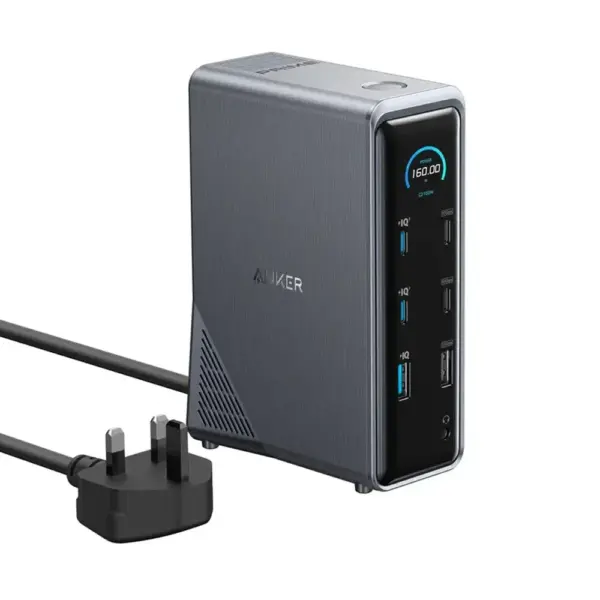


















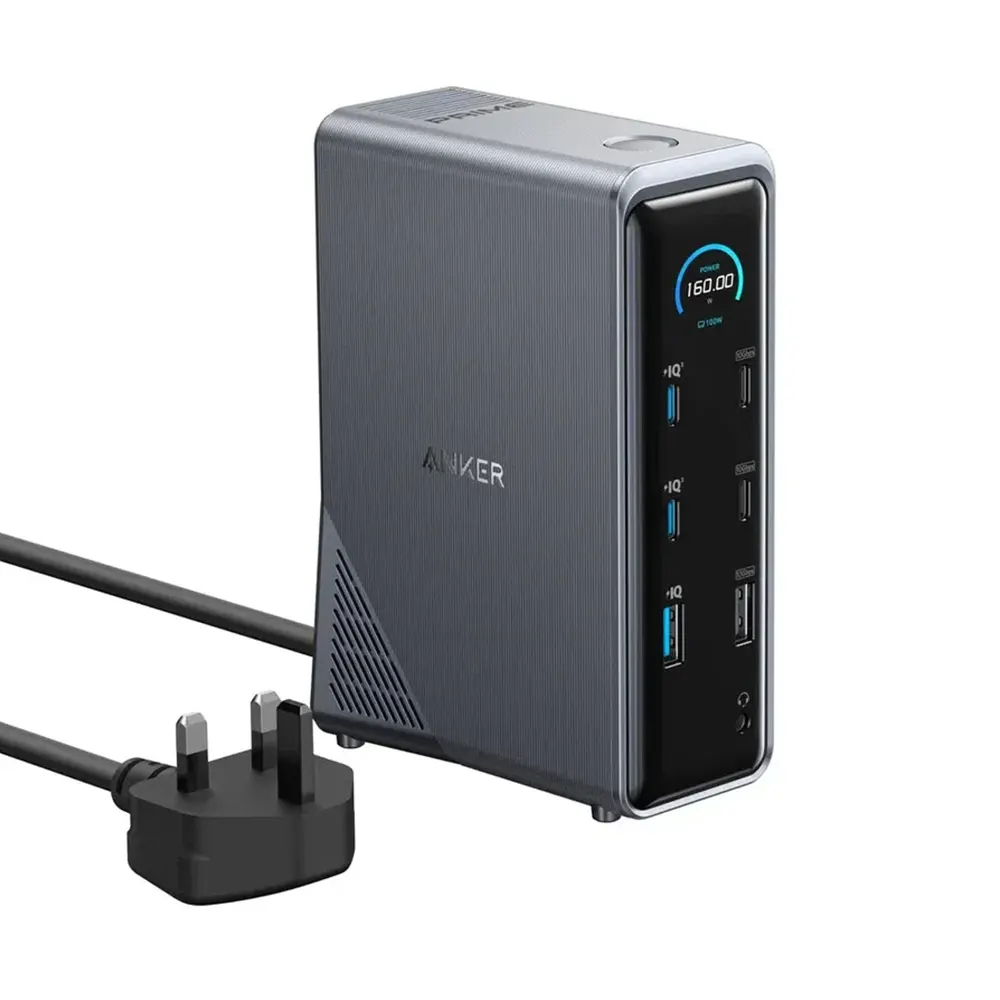

Anker Prime Charging Docking Station (14-in-1, Dual Display, 160W)
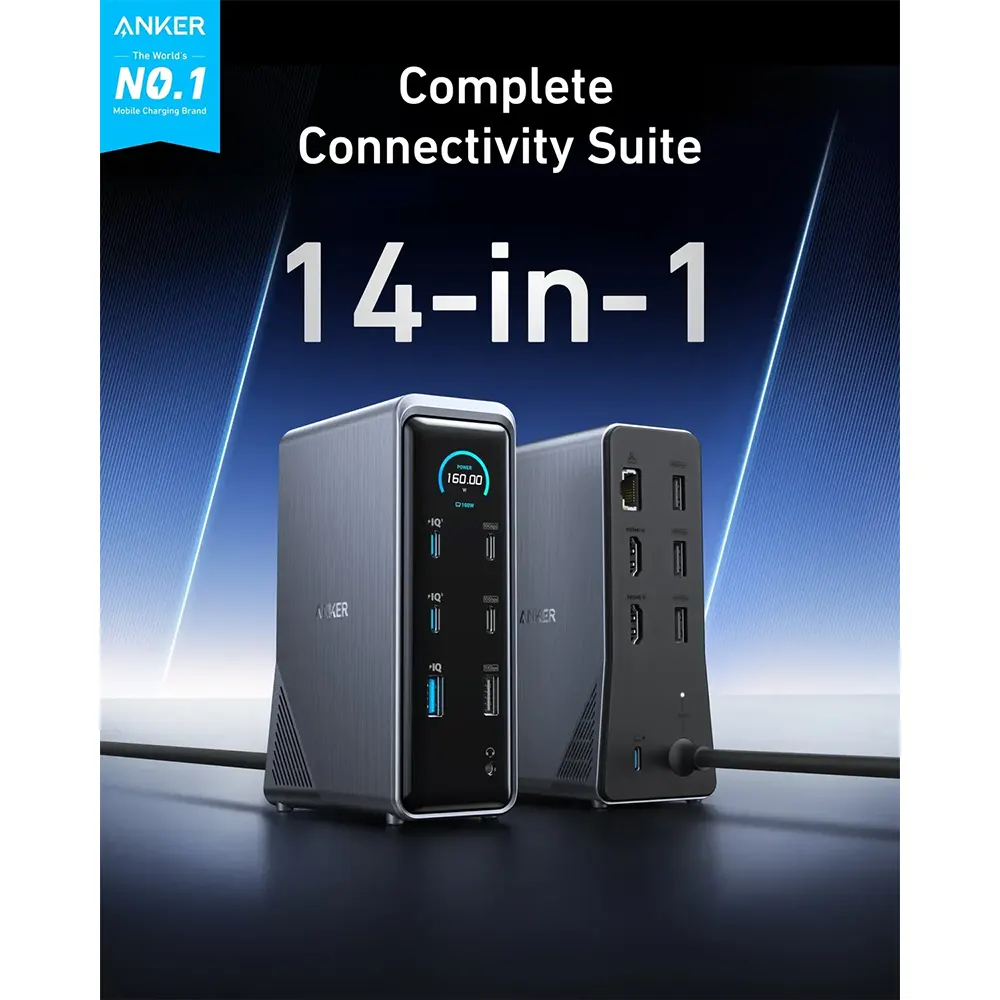
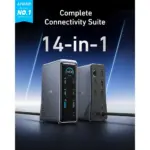
14-in-1 Connectivity
Bring together all your devices with a 14-in-1 solution, perfect for charging, transferring data quickly, and managing dual displays.
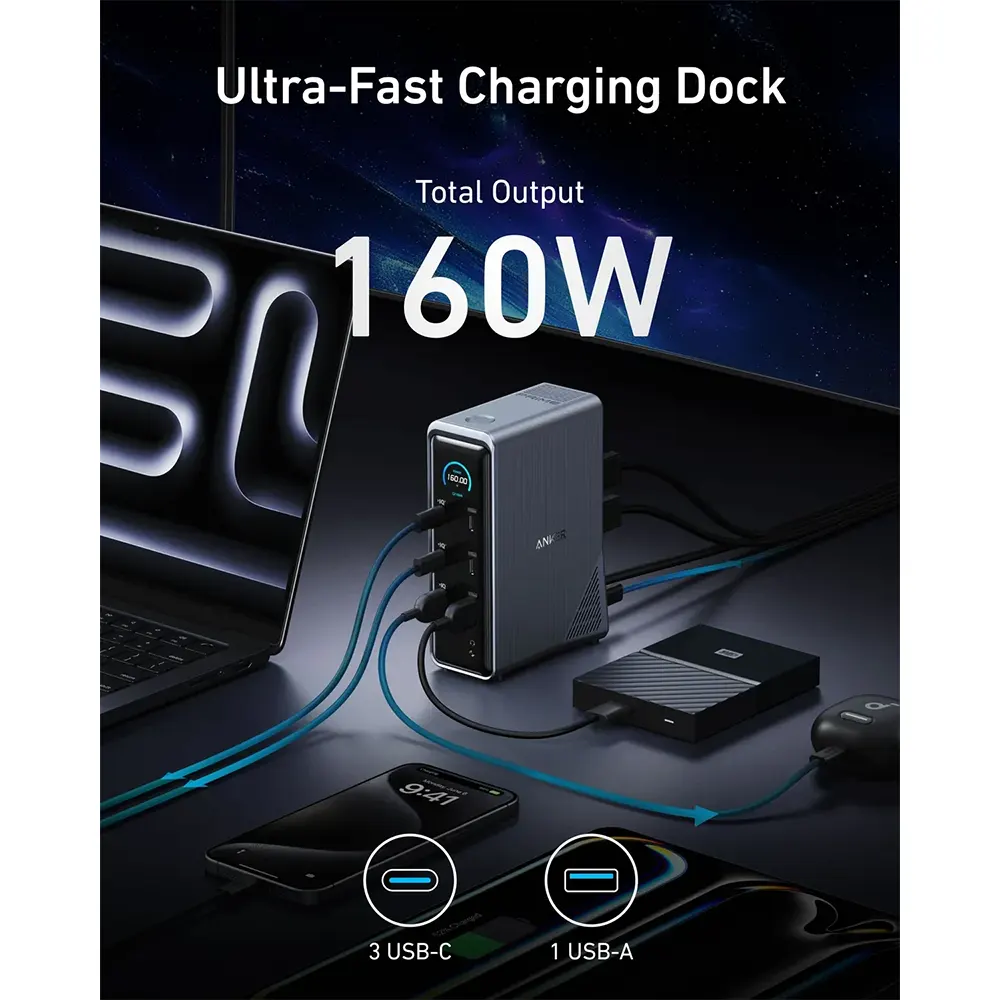
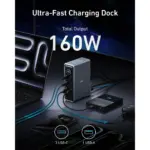
Ultra-Fast Docking Station
Deliver a powerful charge with 160W of total output, capable of charging up to four devices simultaneously through three USB-C ports at 100W max each and one USB-A port at 12W max.
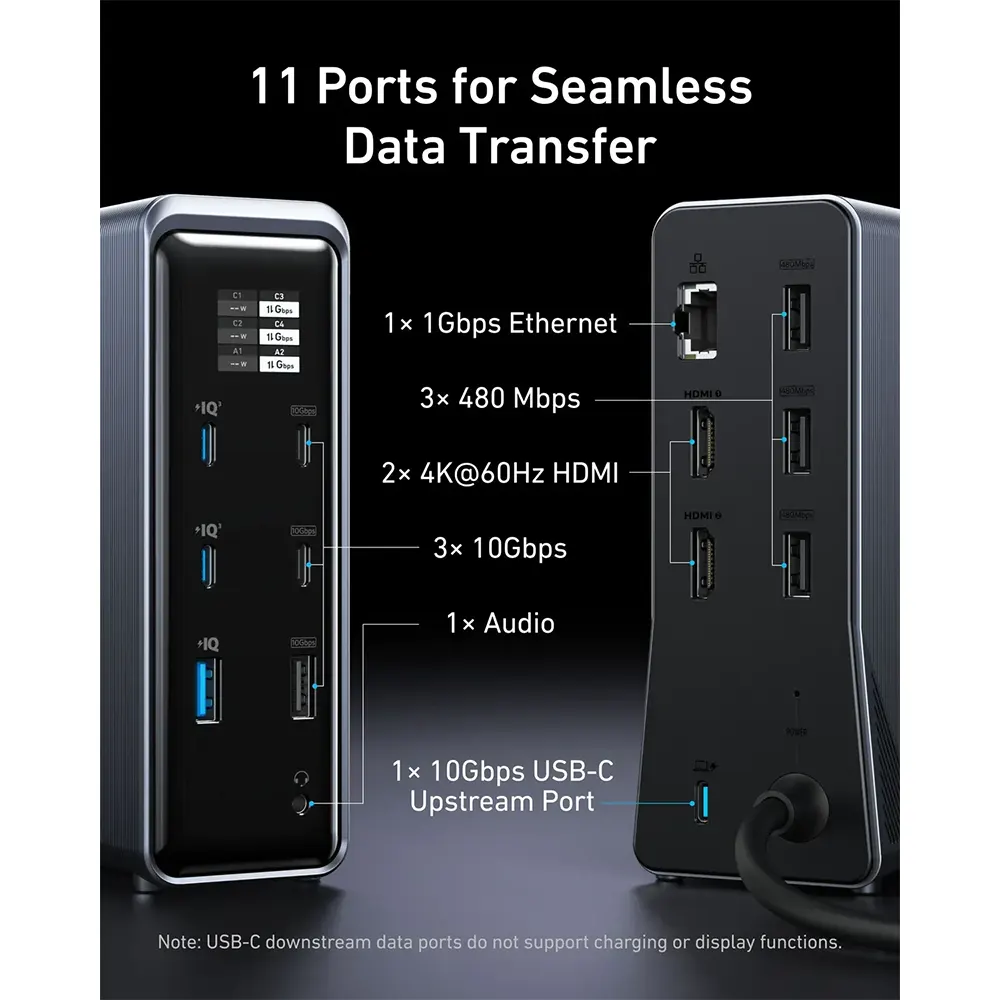
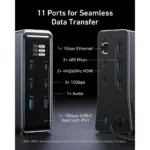
Master Your Data Flow with 11 Ports
Efficiently manage data across multiple devices with versatile ports offering speeds up to 10Gbps, complemented by dual 4K display and audio options.
Smart Display
Receive immediate visual feedback on power levels, connection statuses, and important alerts, keeping your devices in prime condition.
What You Get
- Anker Prime Charging Docking Station (14-in-1, Dual Display, 160W)
- USB-C cable for upstream port (3.3 ft, 100W, 10Gbps)
- Welcome guide
All Your Ports in One Place
Boasting an extensive array of ports, including four USB-C and five USB-A ports, along with dual HDMI for high-definition output, and dedicated audio and Ethernet ports.
Space-Efficient Dock
Revitalize your workspace with a sleek docking station, featuring a vertical design and an integrated GaN AC-DC power module to minimize space usage while maintaining functionality.
Ultra-Clear 4K Displays
Transform how you work and play with dual 4K screens that deliver vivid colors and sharp details at a consistent 60Hz.
- Note: macOS does not support Multi-Stream Transport (MST).
Highly Safe and Compatible
Stay confident with a dock designed for safety, sporting advanced heat dissipation structures and temperature controls that protect your devices while maintaining high performance.
Compatibility
- System Types: Windows, macOS
- USB-C Host Devices: Dell, Lenovo, iMac, MacBook
Resolution Specifications
Determining Your Laptop’s DisplayPort (DP) Version
For Windows Devices
- DP Version 1.2: Supported if your CPU is an Intel generation 10 or earlier
- DP Version 1.4: Supported if your CPU is an Intel generation 11 or later, or if you are using a workstation laptop with an NVIDIA GPU
For Windows Devices
Navigate to “This PC” (or “My Computer”), select “Properties,” and look for the processor details, as highlighted in bold and underlined: Intel(R) Core i7-8850H CPU @ 2.60GHz.
Dual Display
Connect to the dual HDMI ports to enjoy crystal-clear streaming or mirroring across 2 displays at up to 2K@60Hz with a DP 1.4 laptop or 1080p@60Hz with a DP 1.2 laptop.
- Note 1: This product does not support a 5120*1440 monitor.
- Note 2: For macOS, the display on both external monitors will be identical.
Notes
- For additional usage guidance, please refer to the user manual.
- Customize your power distribution by downloading the Dock Manager app on your computer.
- USB-C downstream data ports do not support charging or display functions.
- Ports labeled with “IQ” are dedicated charging ports and do not support data transfer.
Specifications
- Dimensions: 5.51 × 3.82 × 1.85 in / 140 × 97 × 47 mm
- Weight: 1.96 lb / 888 g