
 PlayStation 5
 Xbox
Xbox
 Nintendo


 آيفون
آيفون
 آي ووتش
 آيباد
آيباد
 ماك بوك من أبل
 آي ماك من أبل
 تلفزيون أبل وإكسسواراته
 ماك ستوديو من أبل
 أبل فيجن برو (سماعة الواقع الافتراضي)
 أبل إيربودز وإكسسواراتها
 أبل إيرتاج وإكسسواراتها
 إكسسوارات أبل

 الهواتف الذكية
 الساعات الذكية

 كراسي الألعاب
 مكاتب الألعاب
 أرائك الألعاب
 الإكسسوارات








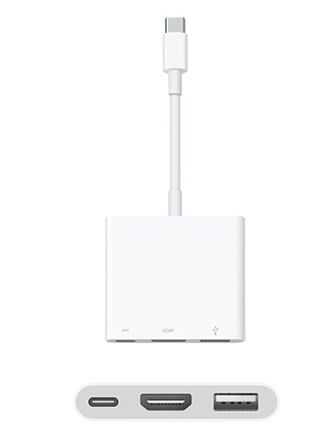



محول آبل الرقمي متعدد المنافذ من يو إس بي سي إلى إيه في
24,900 د.ك
[mgz_pagebuilder]{“elements”:[{“row_type”:”full_width_row”,”content_position”:”top”,”gap_type”:”padding”,”content_align”:”center”,”device_type”:”all”,”background_type”:”image”,”background_style”:”auto”,”background_position”:”center-top”,”parallax_speed”:0.5,”mouse_parallax_size”:30,”mouse_parallax_speed”:10000,”lg_background_type”:”image”,”lg_background_style”:”auto”,”lg_background_position”:”center-top”,”md_background_type”:”image”,”md_background_style”:”auto”,”md_background_position”:”center-top”,”sm_background_type”:”image”,”sm_background_style”:”auto”,”sm_background_position”:”center-top”,”xs_background_type”:”image”,”xs_background_style”:”auto”,”xs_background_position”:”center-top”,”type”:”row”,”id”:”iip8thn”,”elements”:[{“device_type”:”all”,”background_type”:”image”,”background_style”:”auto”,”background_position”:”center-top”,”parallax_speed”:0.5,”mouse_parallax_size”:30,”mouse_parallax_speed”:10000,”lg_background_type”:”image”,”lg_background_style”:”auto”,”lg_background_position”:”center-top”,”md_background_type”:”image”,”md_background_style”:”auto”,”md_background_position”:”center-top”,”sm_background_type”:”image”,”sm_background_style”:”auto”,”sm_background_position”:”center-top”,”xs_background_type”:”image”,”xs_background_style”:”auto”,”xs_background_position”:”center-top”,”xl_offset_size”:””,”xl_size”:””,”lg_offset_size”:””,”lg_size”:””,”md_offset_size”:””,”sm_offset_size”:””,”sm_size”:””,”xs_size”:””,”type”:”column”,”id”:”gdahlyk”,”elements”:[{“content”:”
- \n
- The USB-C digital AV multiport adapter lets you connect your USB-C enabled Mac or iPad Pro to an HDMI display, while also connecting a standard USB device and a USB-C charging cable.
- This adapter allows you to mirror your Mac Display to your HDMI-enabled TV or display.
- Simply connect the adapter to a USB-C or Thunderbolt 3 (USB-C) port on your Mac or iPad Pro and then to your TV or projector via an HDMI cable (sold separately).
- Use the standard USB port to connect devices such as your flash drive or camera or a USB cable for syncing and charging your iOS devices.
- You can also connect a charging cable to the USB-C port to charge your Mac or iPad Pro.
- 3840×2160 at 60Hz on: iPad Pro 11-inch (latest model), iPad Pro 12.9-Inch (latest model), MacBook Pro (15-Inch), iMac (27-inch Retina 5K display), iMac (Retina 21.5-Inch 4K display), and iMac Pro
- 1080P at 60Hz or UHD (3840 by 2160) at 30Hz on: MacBook Pro (13-inch), MacBook Pro (15-Inch, previous model), iMac (21.5-Inch, previous model), and Mac Mini
\n
\n
\n
\n
\n
\n
\n
“,”device_type”:”all”,”background_type”:”image”,”background_style”:”auto”,”background_position”:”center-top”,”parallax_speed”:0.5,”mouse_parallax_size”:30,”mouse_parallax_speed”:10000,”lg_background_type”:”image”,”lg_background_style”:”auto”,”lg_background_position”:”center-top”,”md_background_type”:”image”,”md_background_style”:”auto”,”md_background_position”:”center-top”,”sm_background_type”:”image”,”sm_background_style”:”auto”,”sm_background_position”:”center-top”,”xs_background_type”:”image”,”xs_background_style”:”auto”,”xs_background_position”:”center-top”,”type”:”text”,”id”:”s21c717″}]}]}],”pid”:”c4a4xhoskjqj”}[/mgz_pagebuilder]
12 متوفر في المخزون
[mgz_pagebuilder]{“elements”:[{“row_type”:”full_width_row”,”content_position”:”top”,”gap_type”:”padding”,”content_align”:”center”,”device_type”:”all”,”background_type”:”image”,”background_style”:”auto”,”background_position”:”center-top”,”parallax_speed”:0.5,”mouse_parallax_size”:30,”mouse_parallax_speed”:10000,”lg_background_type”:”image”,”lg_background_style”:”auto”,”lg_background_position”:”center-top”,”md_background_type”:”image”,”md_background_style”:”auto”,”md_background_position”:”center-top”,”sm_background_type”:”image”,”sm_background_style”:”auto”,”sm_background_position”:”center-top”,”xs_background_type”:”image”,”xs_background_style”:”auto”,”xs_background_position”:”center-top”,”type”:”row”,”id”:”lt4o98n”,”elements”:[{“device_type”:”all”,”background_type”:”image”,”background_style”:”auto”,”background_position”:”center-top”,”parallax_speed”:0.5,”mouse_parallax_size”:30,”mouse_parallax_speed”:10000,”lg_background_type”:”image”,”lg_background_style”:”auto”,”lg_background_position”:”center-top”,”md_background_type”:”image”,”md_background_style”:”auto”,”md_background_position”:”center-top”,”sm_background_type”:”image”,”sm_background_style”:”auto”,”sm_background_position”:”center-top”,”xs_background_type”:”image”,”xs_background_style”:”auto”,”xs_background_position”:”center-top”,”xl_offset_size”:””,”xl_size”:””,”lg_offset_size”:””,”lg_size”:””,”md_offset_size”:””,”sm_offset_size”:””,”sm_size”:””,”xs_size”:””,”type”:”column”,”id”:”jl87ai4″,”elements”:[{“content”:”
\n
\n
\n
\n
\n
\n
Overview
\n
\n
\n
\n
The USB-C Digital AV Multiport Adapter lets you connect your USB-C-enabled Mac or iPad Pro to an HDMI display, while also connecting a standard USB device and a USB-C charging cable.
\n
\n
\n
This adapter allows you to mirror your Mac display to your HDMI-enabled TV or display.
\n
\n
3840×2160 at 60Hz on:
\n
\n
iPad Pro 11-inch, iPad Pro 12.9-inch (3rd Generation), MacBook Pro (15-inch, 2017 and later), iMac (Retina 5K, 27-inch, 2017 and later), iMac (Retina 4K, 21.5-inch, 2017 and later), and iMac Pro (2018)
\n
\n
1080p at 60Hz or UHD (3840 by 2160) at 30Hz on:
\n
\n
MacBook Air (2018), MacBook Pro (13-inch, 2016 and later), MacBook Pro (15-inch, 2016), iMac (non-Retina, 21.5‑inch, 2017), and Mac mini (2018)
\n
\n
\n
Simply connect the adapter to a USB-C or Thunderbolt 3 (USB-C) port on your Mac or iPad Pro and then to your TV or projector via an HDMI cable (sold separately).
\n
\n
\n
Use the standard USB port to connect devices such as your flash drive or camera or a USB cable for syncing and charging your iOS devices. You can also connect a charging cable to the USB-C port to charge your Mac or iPad Pro.
\n
\n
\n
\n
\n
\n
What’s in the Box
\n
\n
\n
\n
Apple USB-C Digital AV Multiport Adapter
\n
\n
\n
\n
\n
\n
Tech Specs
\n
\n
\n
Connections
\n
\n
HDMI
\n
\n
\n
USB
\n
\n
\n
USB-C
\n
\n
\n
\n
\n
\n
System Requirements
\n
\n
\n
\n
macOS Mojave 10.14.6 or later; iOS 12.4 or later
\n
\n
\n
Requires an HDMI cable (sold separately) for connection to your TV or projector. Supports both video and audio output.
\n
\n
\n
\n
\n
Overview
\n
\n
The USB-C Digital AV Multiport Adapter lets you connect your USB-C-enabled Mac or iPad Pro to an HDMI display, while also connecting a standard USB device and a USB-C charging cable.
\n
\n
This adapter allows you to mirror your Mac display to your HDMI-enabled TV or display.
\n
\n
3840×2160 at 60Hz on:
\n
iPad Pro 11-inch, iPad Pro 12.9-inch (3rd Generation), MacBook Pro (15-inch, 2017 and later), iMac (Retina 5K, 27-inch, 2017 and later), iMac (Retina 4K, 21.5-inch, 2017 and later), and iMac Pro (2018)
\n
\n
1080p at 60Hz or UHD (3840 by 2160) at 30Hz on:
\n
MacBook Air (2018), MacBook Pro (13-inch, 2016 and later), MacBook Pro (15-inch, 2016), iMac (non-Retina, 21.5‑inch, 2017), and Mac mini (2018)
\n
\n
Simply connect the adapter to a USB-C or Thunderbolt 3 (USB-C) port on your Mac or iPad Pro and then to your TV or projector via an HDMI cable (sold separately).
\n
\n
Use the standard USB port to connect devices such as your flash drive or camera or a USB cable for syncing and charging your iOS devices. You can also connect a charging cable to the USB-C port to charge your Mac or iPad Pro.
\n
\n
\n
\n
What’s in the Box
\n
\n
Apple USB-C Digital AV Multiport Adapter
\n
\n
\n
\n
Tech Specs
\n
\n
Connections
\n
HDMI
\n
\n
USB
\n
\n
USB-C
\n
\n
\n
\n
System Requirements
\n
\n
macOS Mojave 10.14.6 or later; iOS 12.4 or later
\n
\n
Requires an HDMI cable (sold separately) for connection to your TV or projector. Supports both video and audio output.
\n
\n
\n
\n
\n
\n
“,”device_type”:”all”,”background_type”:”image”,”background_style”:”auto”,”background_position”:”center-top”,”parallax_speed”:0.5,”mouse_parallax_size”:30,”mouse_parallax_speed”:10000,”lg_background_type”:”image”,”lg_background_style”:”auto”,”lg_background_position”:”center-top”,”md_background_type”:”image”,”md_background_style”:”auto”,”md_background_position”:”center-top”,”sm_background_type”:”image”,”sm_background_style”:”auto”,”sm_background_position”:”center-top”,”xs_background_type”:”image”,”xs_background_style”:”auto”,”xs_background_position”:”center-top”,”type”:”text”,”id”:”dwml7ni”}]}]}],”pid”:”uqhtct7j6k01″}[/mgz_pagebuilder]
| الوزن | 0,1 كيلوجرام |
|---|
يسمح فقط للزبائن مسجلي الدخول الذين قاموا بشراء هذا المنتج ترك مراجعة.
منتجات ذات صلة
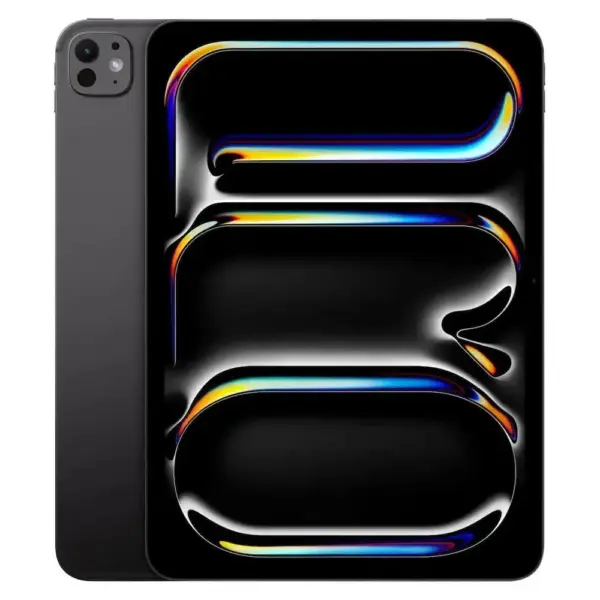
آبل آيباد برو 13 بوصة M5 واي فاي 256 جيجابايت زجاج قياسي – أسود فضاء
متوفر في المخزون
| الوزن | 3 كيلوجرام |
|---|---|
| ضمان | Warranty: 1 Year, Warranty: 1 Year, الضمان: سنة واحدة |
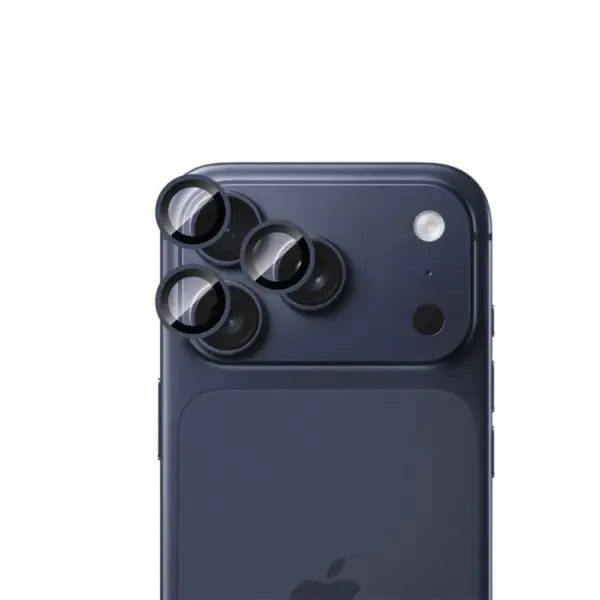
حامي عدسة كاميرا إل تورو مع حلقات معدنية فردية للواقع المعزز لآيفون 17 برو / برو ماكس – أزرق
متوفر في المخزون
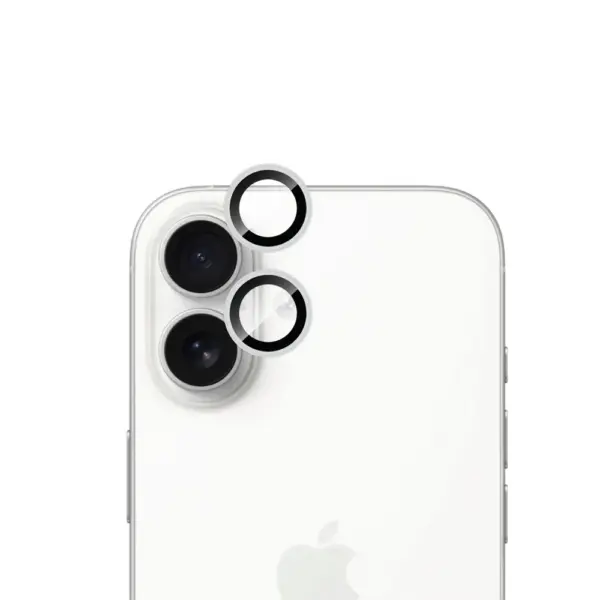
حامي عدسة الكاميرا إل تورو فردي من حلقات معدنية للآيفون 17 – فضي
متوفر في المخزون
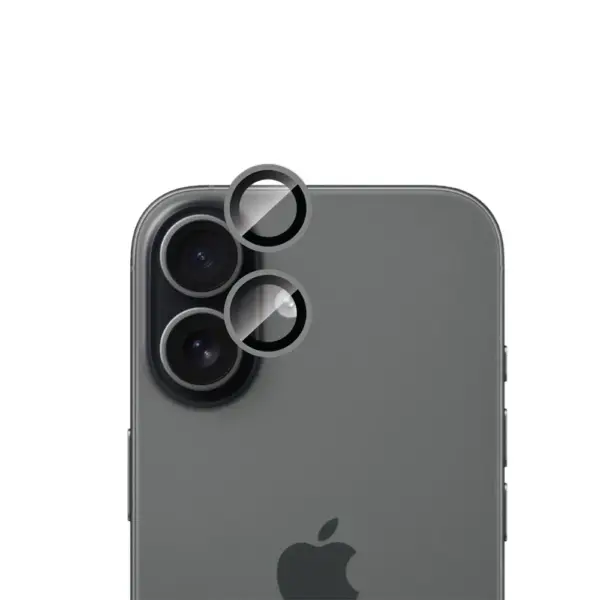
حامي عدسة كاميرا إل تورو مع حلقات معدنية فردية AR لهاتف آيفون 17 – أسود
متوفر في المخزون

حامي شاشة إلتورو دبل سترونج سي إف لآيفون إير – خصوصية
متوفر في المخزون
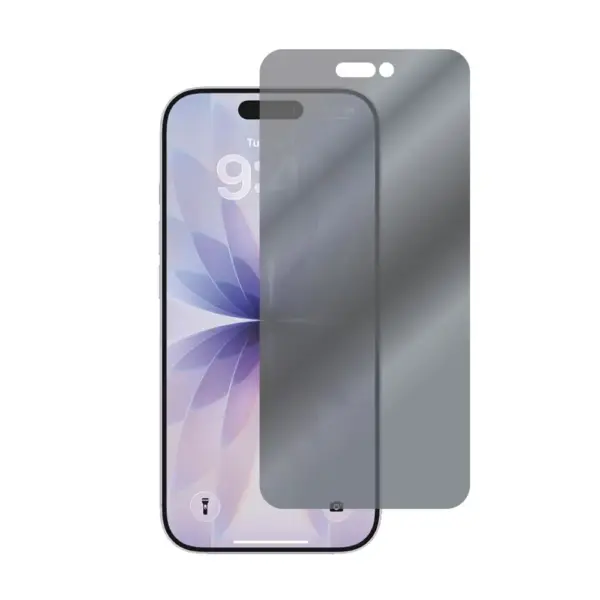
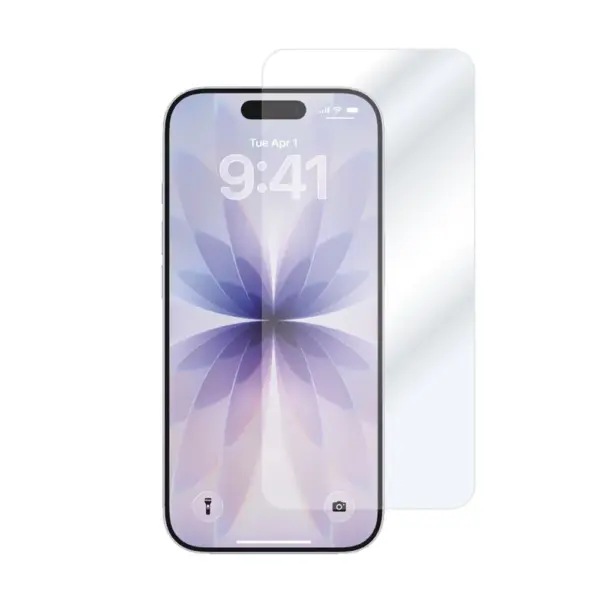
حامي شاشة إلتورو مزدوج القوة سي إف لآيفون 17 – شفاف
متوفر في المخزون
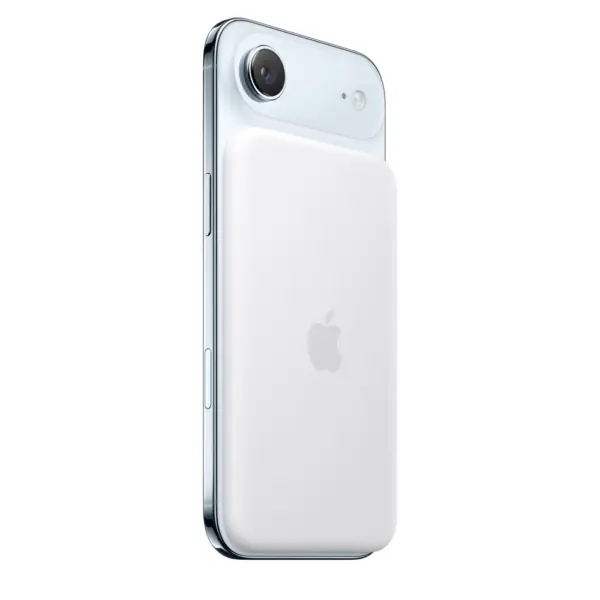



المراجعات
مسح الفلاترلا توجد مراجعات بعد.