 PlayStation 5
 Xbox
Xbox
 Nintendo
 Input Devices
 Hardware & Other
 Gaming PC's components

 Accessories
 Car Accessories







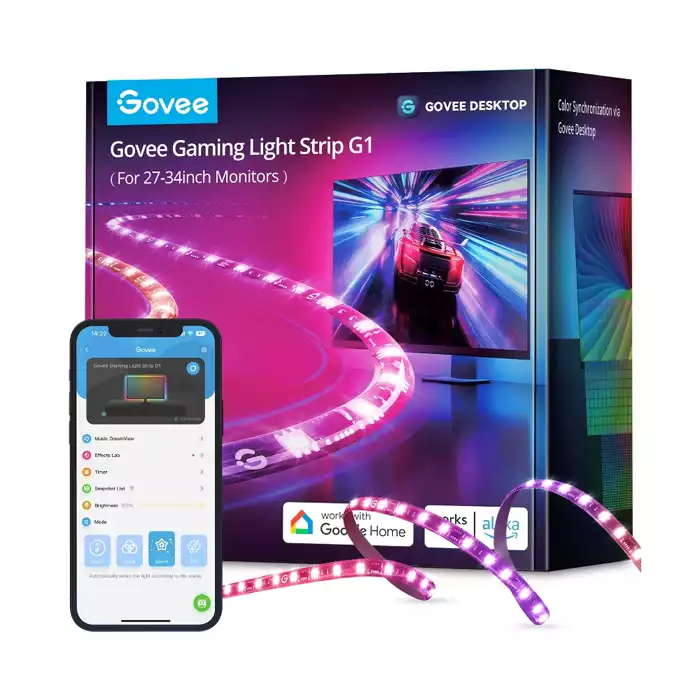
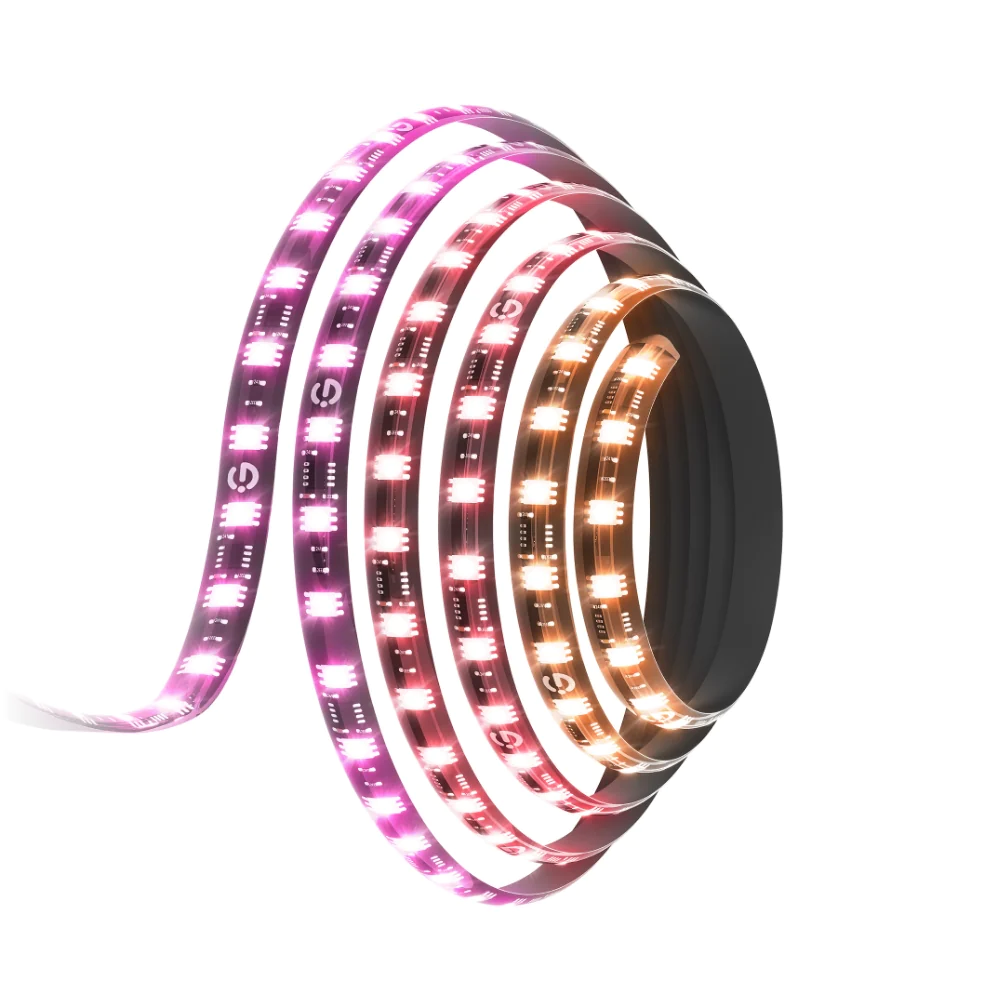
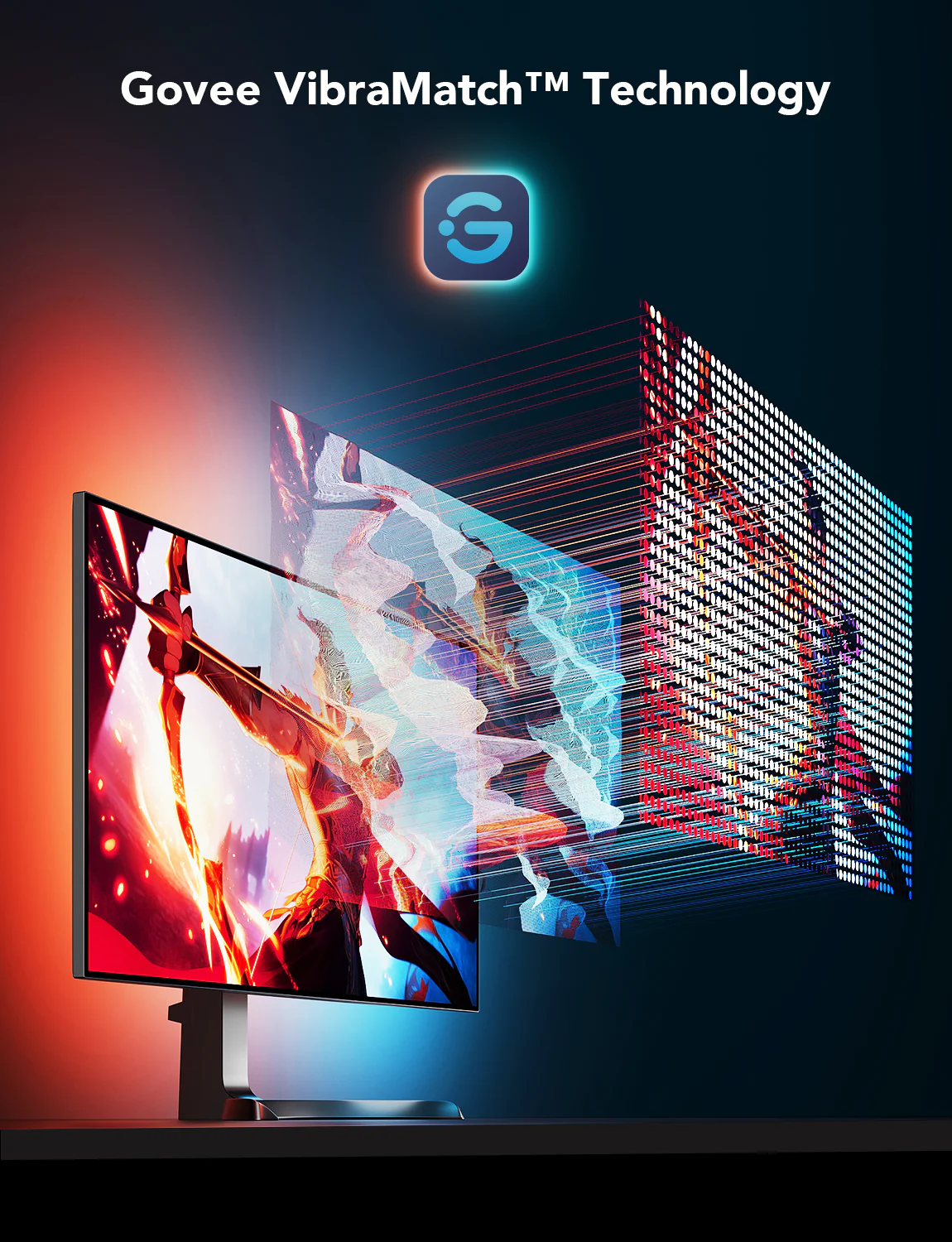
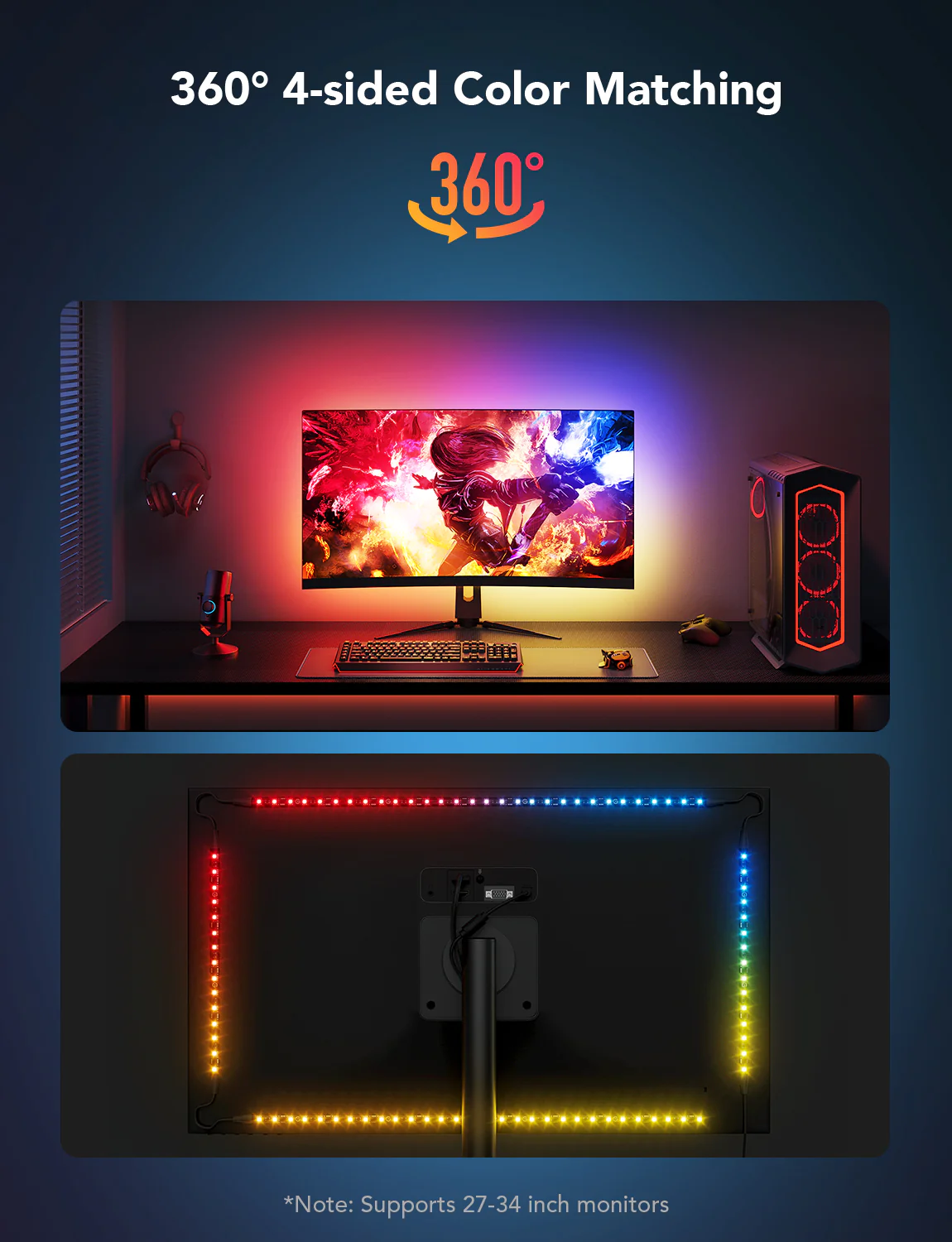


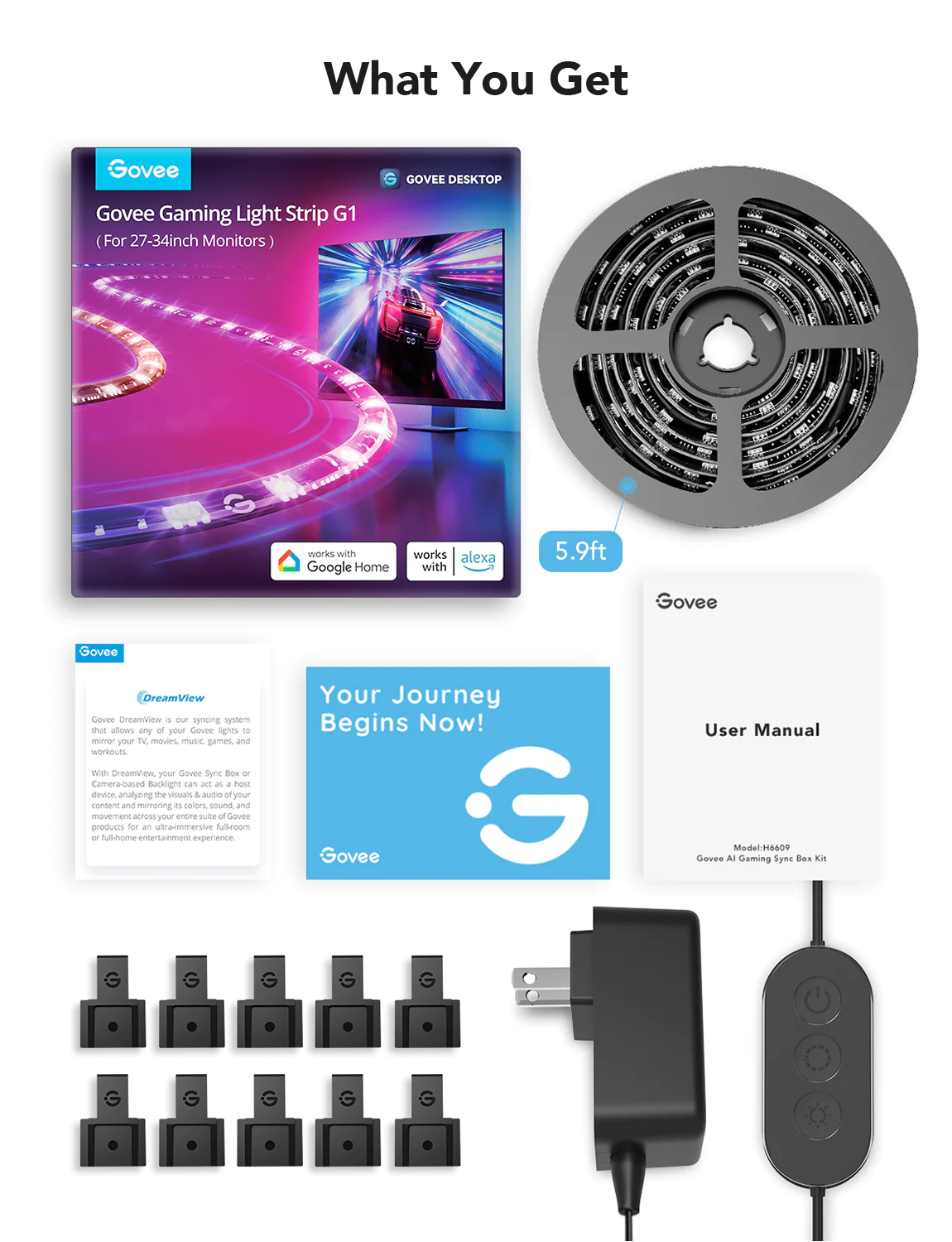
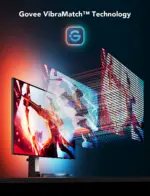
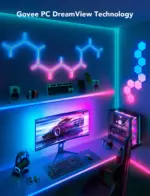
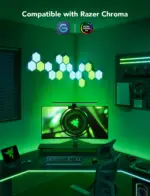
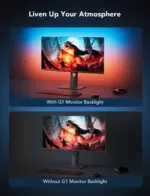
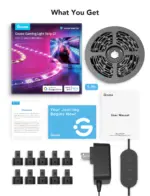

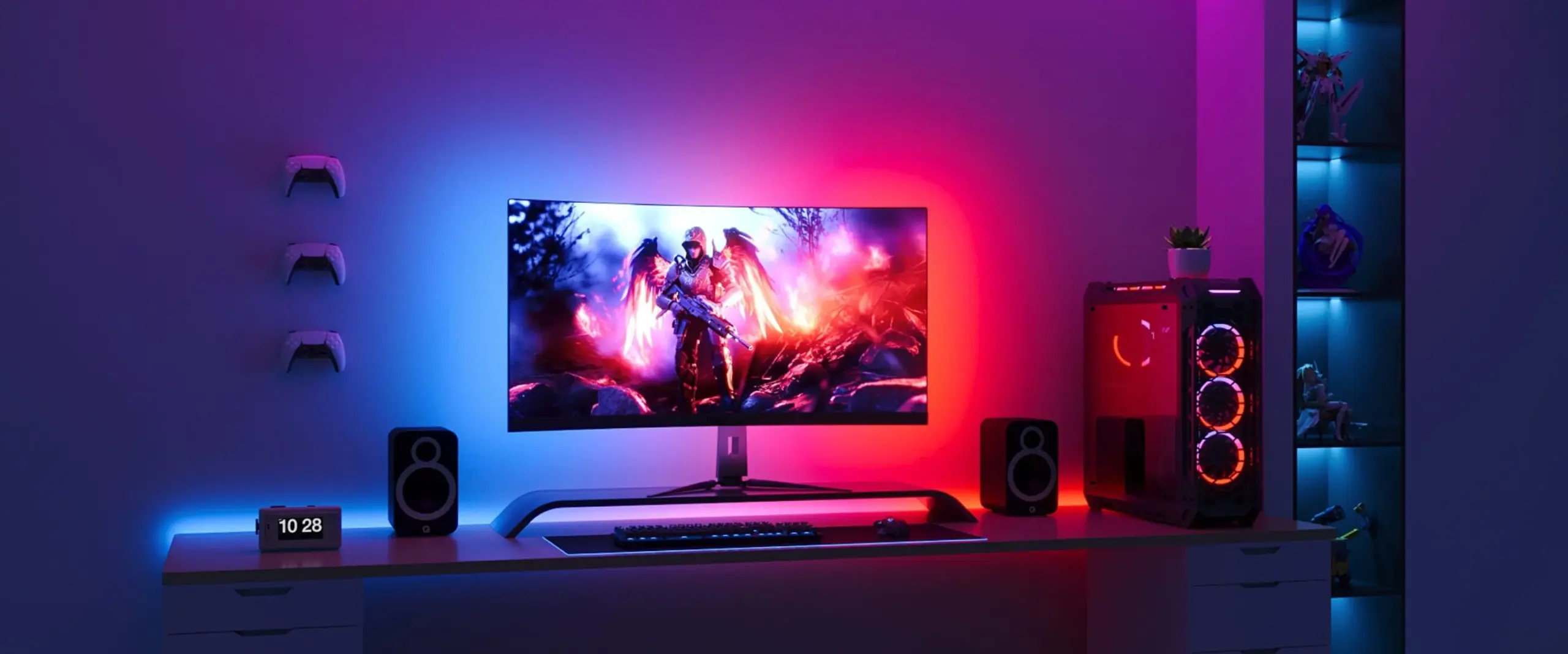
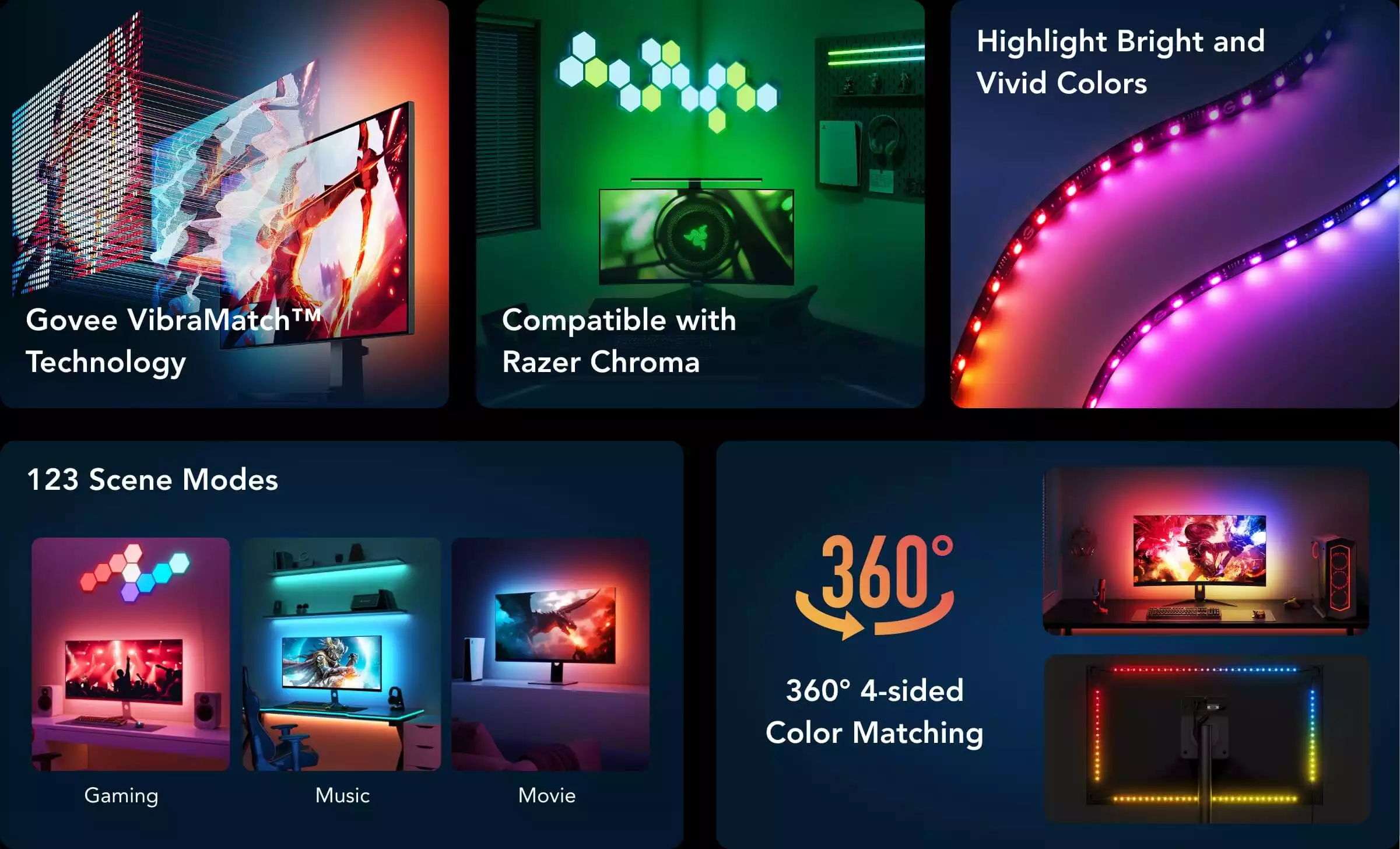
Govee VibraMatch™
Technology
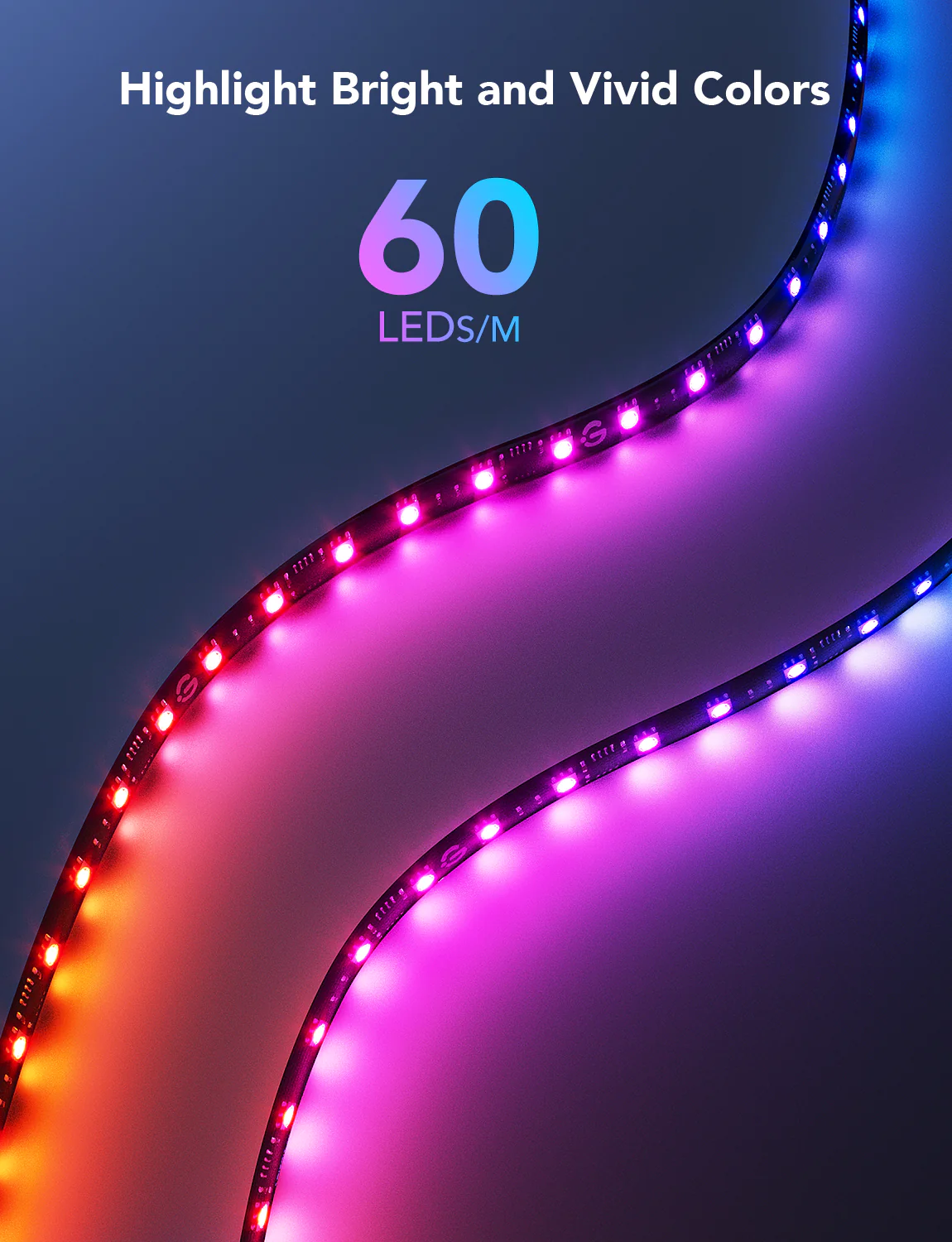
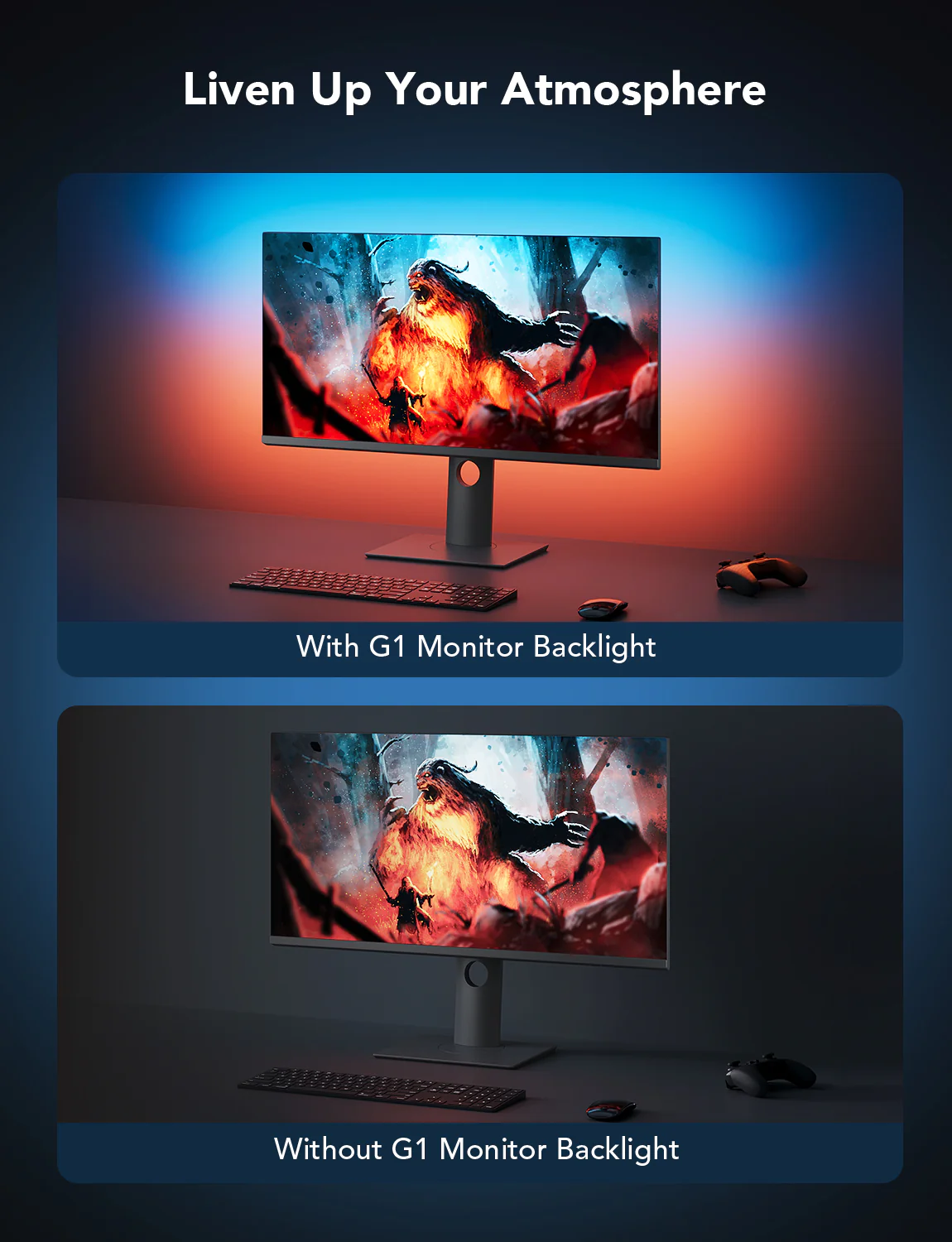
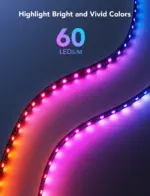
Add more vibrancy to your screen colors
Ten Dedicated Screen Division Areas
Synchronize Game Elements Instantly
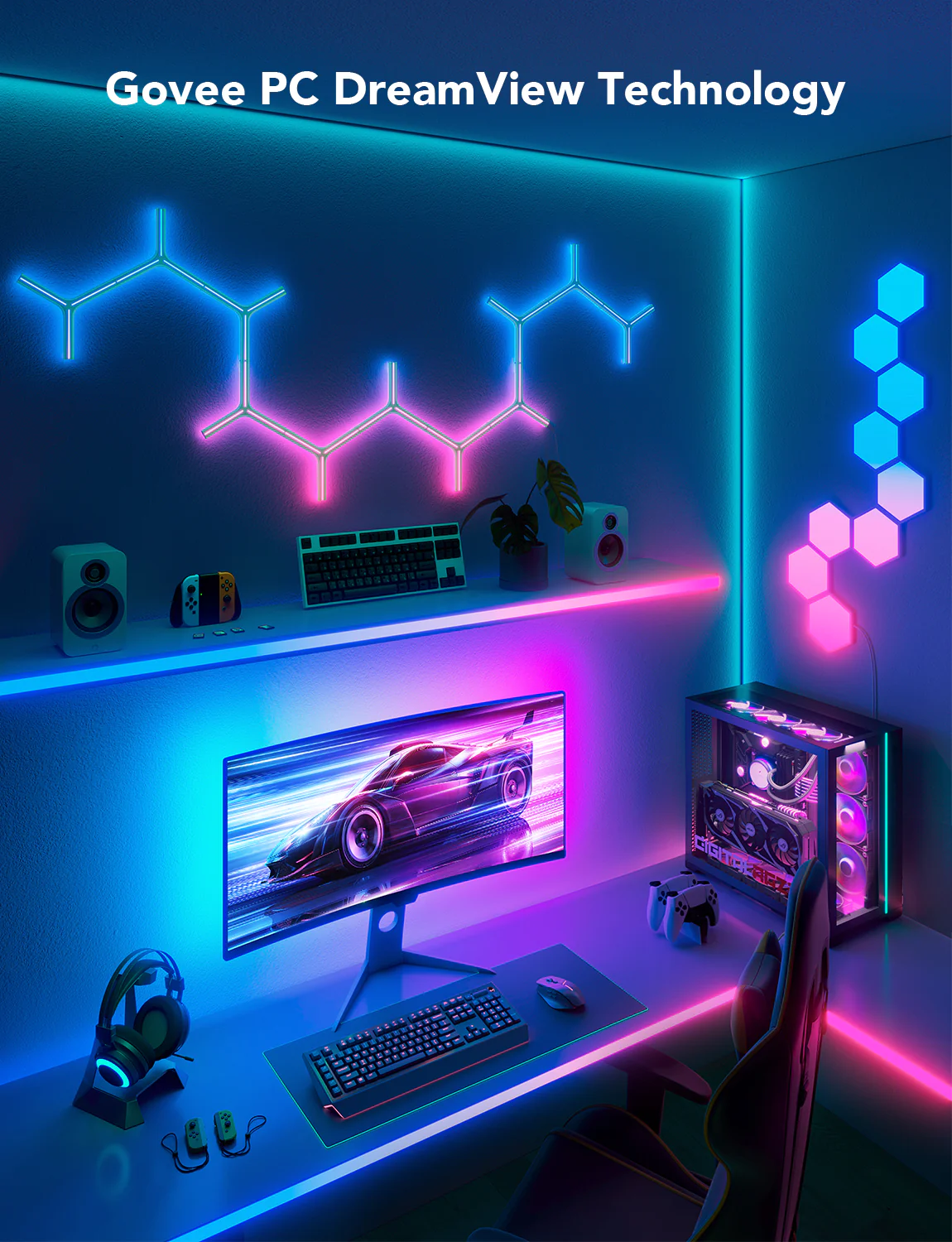
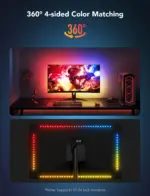
Govee Desktop DreamView Color Syncing Technology
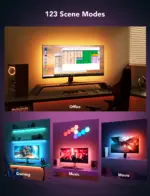
Create an unforgettable lighting experience
Installation Guide
1.Clean the surface with the provided alcohol pad.Attach the light strip to the back of the monitor.
2.Pair your device with Govee Home App, and turn on the LAN Control switch.
3.Download and install Govee Desktop. Log in to Govee Desktop to view connected devices.
4.Add the device to the DreamView group and turn it on. The device will start picking up colors.


Reviews
Clear filtersThere are no reviews yet.