

 آيفون
آيفون
 اي واتش
 آيباد
آيباد
 أبل ماك بوك
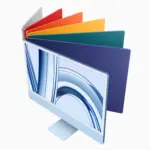 جهاز Apple iMac
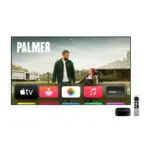 تلفزيون آبل وملحقاته
 برنامج Apple Mac Studio
 Apple Vision Pro (سماعة الواقع الافتراضي)
 سماعات Apple AirPods وملحقاتها
 Apple AirTag وملحقاتها
 ملحقات أبل
 الهواتف الذكية
 الساعات الذكية
 حوامل الميكروفون وأذرع الرافعة
 كابلات البث والصوت
 بث كاميرات الويب
 خلاطات الصوت وبطاقات الالتقاط
 الميكروفونات
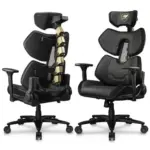 كراسي الألعاب
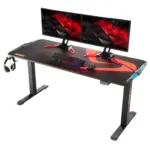 مكاتب الألعاب
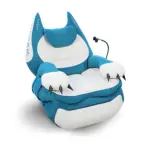 أرائك الألعاب





-
 التوصيل مجاني
-
التوصيل السريع
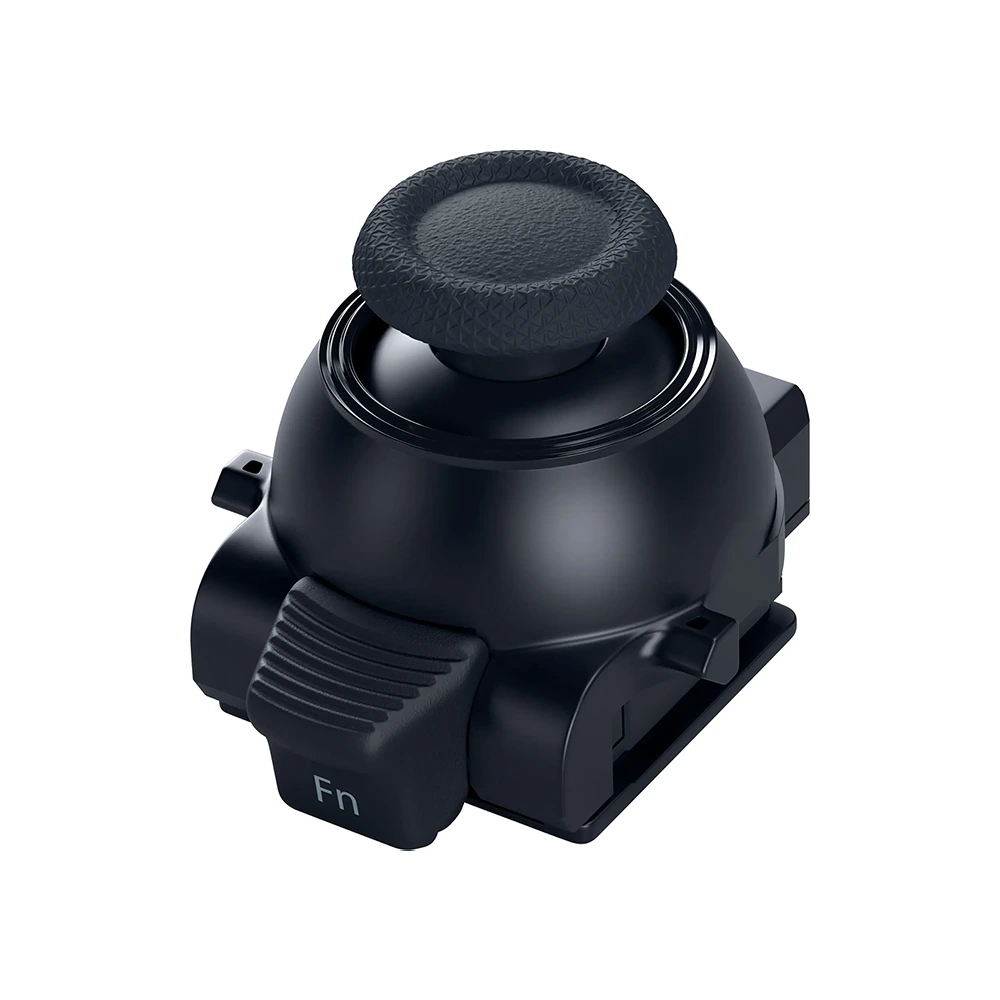
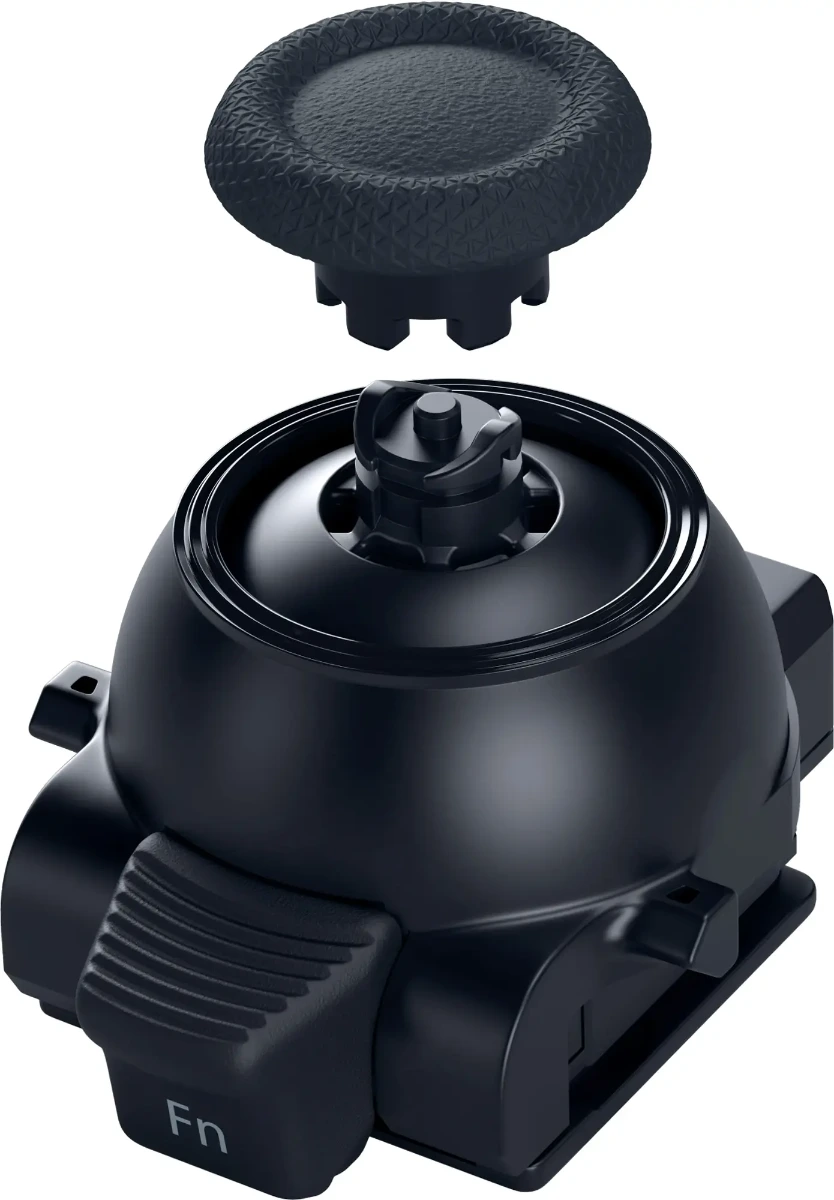
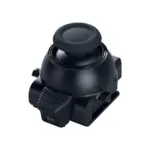
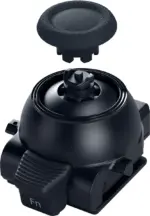
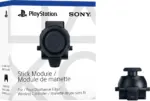
Maintain your DualSense Edge™ wireless controller’s great performance with this replacement stick module. Aim and move with precision by swapping in fresh stick modules so you’re always playing with equipment that’s in great shape.
| الوزن | 1 كيلوجرام |
|---|

استمتع بالابتكار الذي تقدمه Apple - استكشف المجموعة الكاملة اليوم.
43 متوفر في المخزون
12,900 د.ك
43 متوفر في المخزون
 التوصيل مجاني
سيقوم سائقنا بالتسليم إلى العنوان المحدد
نفس اليوم
حر
 التوصيل السريع
نحن نجلب طلبك مباشرة إلى باب منزلك - سريع وآمن!
120 ميني
2 دينار كويتي
 جميع المنتجات مشمولة بـ ضمان الشركة المصنعة
 إرجاع مجاني لمدة 14 يومًا
طرق الدفع:

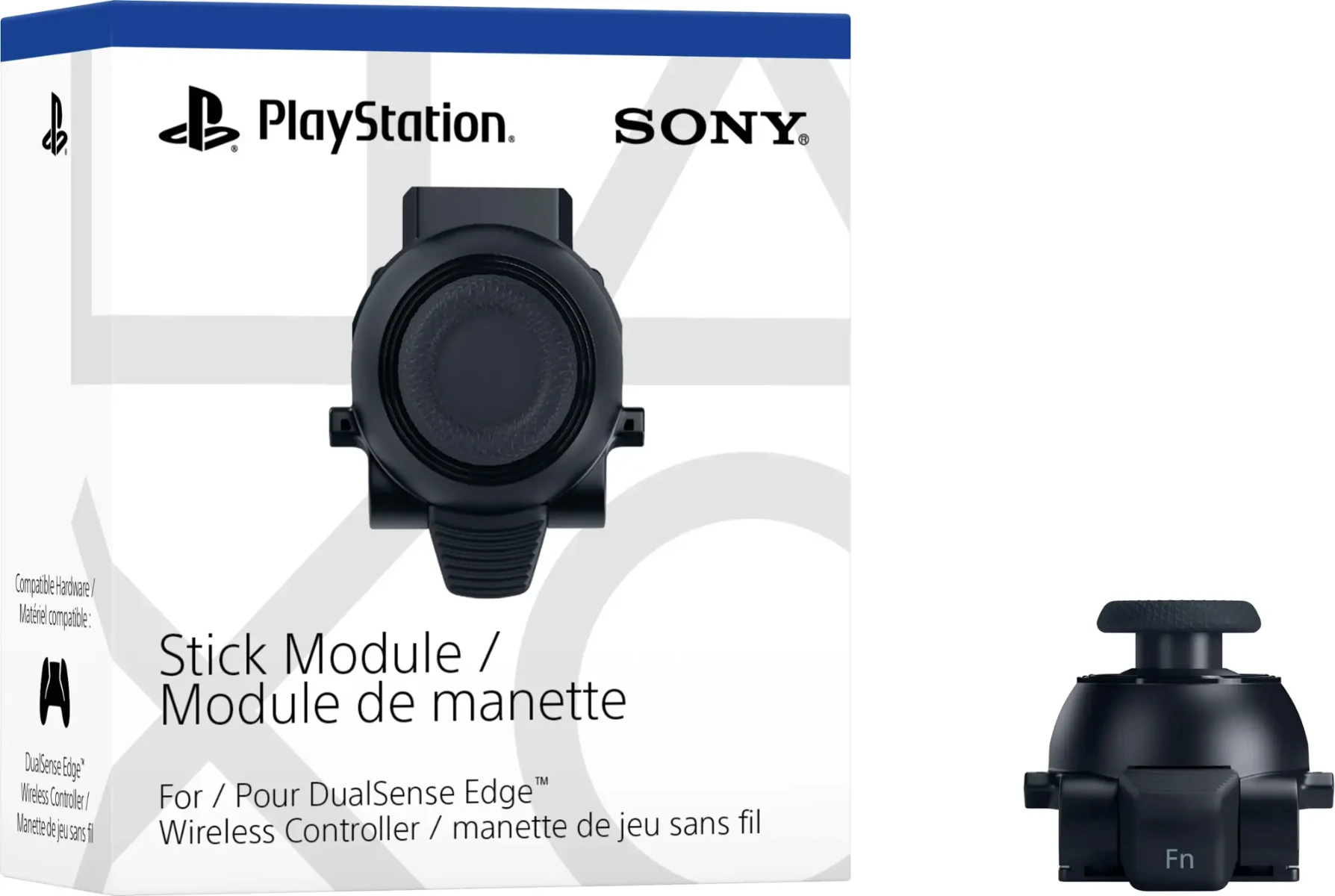
Sony – Stick Module For Dualsense Edge Wireless Controller
Maintain your DualSense Edge™ wireless controller’s great performance with this replacement stick module. Aim and move with precision by swapping in fresh stick modules so you’re always playing with equipment that’s in great shape.
Step 1
Make sure the player indicator on the controller is off. If the player indicator is on, press and hold the PS button until it turns off.
Step 2
Disconnect the USB cable from the controller.
Step 3
Remove the front cover. Slide the RELEASE latch on the back of your controller to remove the cover.
Step 4
Raise the release lever.
Step 5
Remove the stick module and attach a new stick module. Make sure that the stick module is positioned correctly, and then slide the module along the grooves of the controller until you hear a click.
Step 6
Lower the release lever.
Step 7
Attach the front cover. Align the raised parts of the cover with the notches on the controller, and then carefully push the cover into place until you hear a click.
لا تملك حسابًا بعد؟
إنشاء حساب
المراجعات
مسح الفلاترلا توجد مراجعات بعد.