





 آيفون
آيفون
 اي واتش
 آيباد
آيباد
 أبل ماك بوك
 جهاز Apple iMac
 تلفزيون آبل وملحقاته
 برنامج Apple Mac Studio
 Apple Vision Pro (سماعة الواقع الافتراضي)
 سماعات Apple AirPods وملحقاتها
 Apple AirTag وملحقاتها
 ملحقات أبل

 الهواتف الذكية
 الساعات الذكية

 حوامل الميكروفون وأذرع الرافعة
 كابلات البث والصوت
 بث كاميرات الويب
 خلاطات الصوت وبطاقات الالتقاط
 الميكروفونات

 كراسي الألعاب
 مكاتب الألعاب
 أرائك الألعاب





-
 التوصيل مجاني
-
التوصيل السريع














 التوصيل مجاني
 التوصيل السريع
 جميع المنتجات مشمولة بـ ضمان الشركة المصنعة
 إرجاع مجاني لمدة 14 يومًا

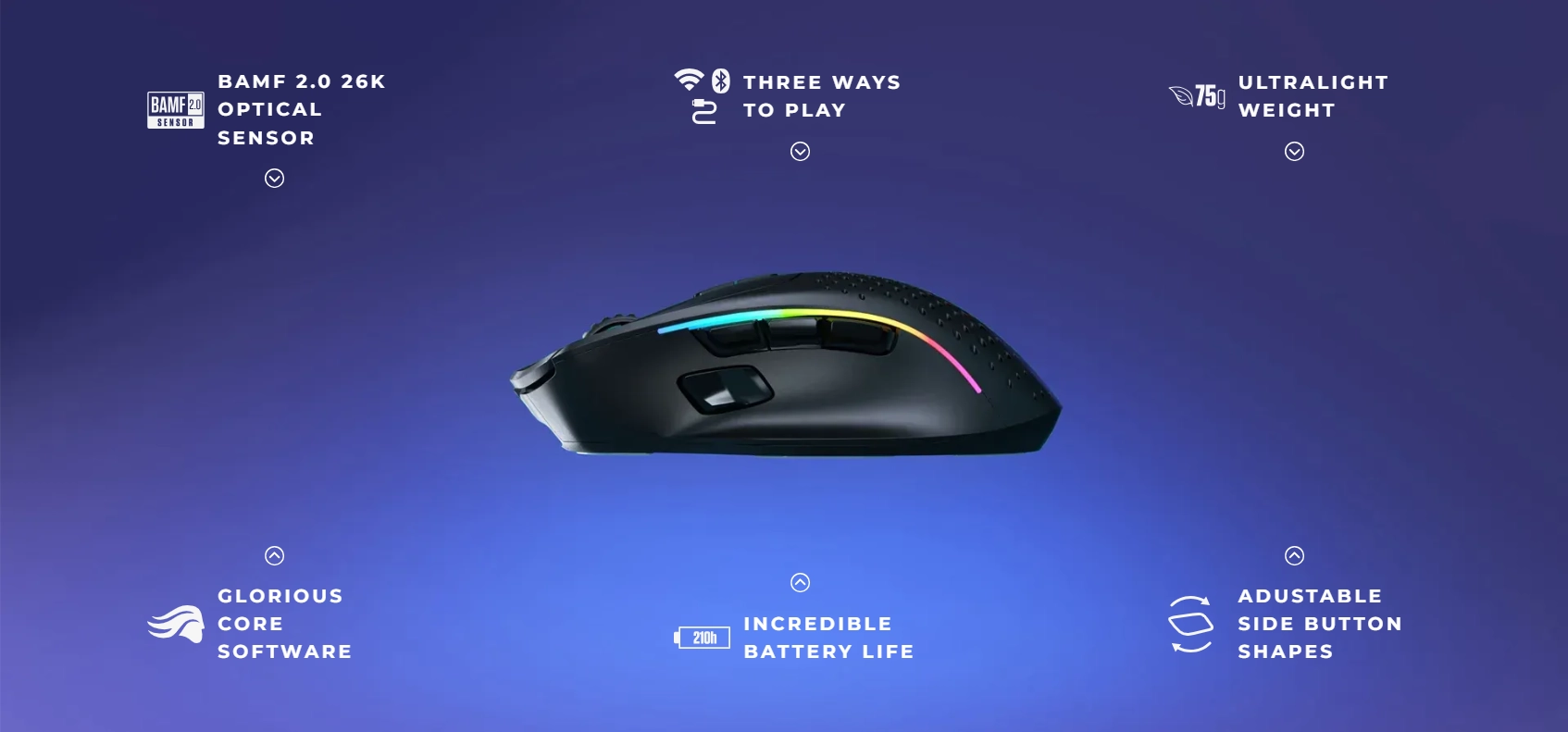
What’s in the box
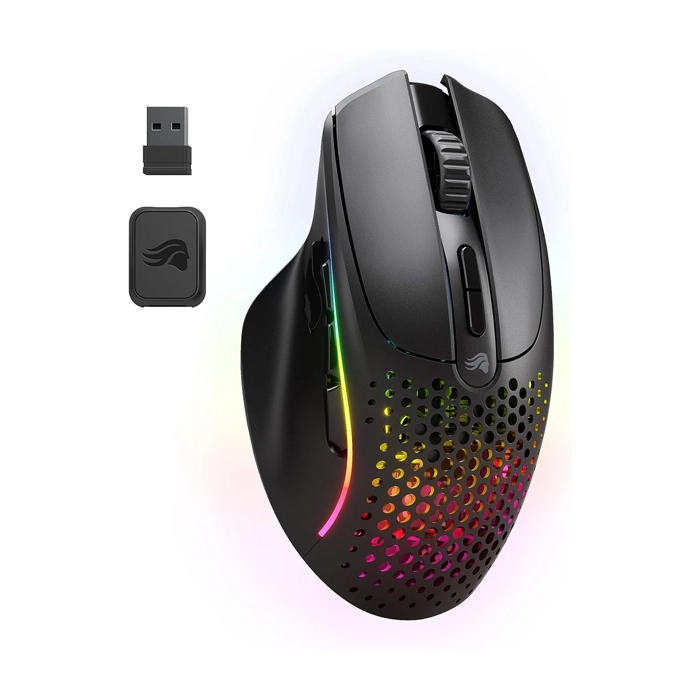
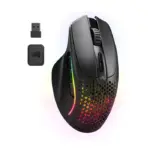
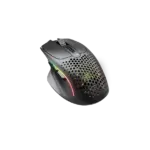
• 1× Glorious Gaming Mouse
• 1× USB Receiver
• 1× Ascended USB-A to USB-C Cable
• 1× USB-A to USB-C Adapter
• 7× Magnetic Side Buttons
• 1× Side Button Remover
System Requirements
• Available USB port
• Windows 7+, Mac OS, Linux
We recommend fully charging your Model I 2 Wireless before using it for the first time in wireless mode. Plug the USB-A end of the Ascended cord into your PC and the USB-C end into the USB-C port located on the front of the mouse.
The mouse can be used normally in wired mode.
The total charge time from zero to full battery is approximately 2 hours.
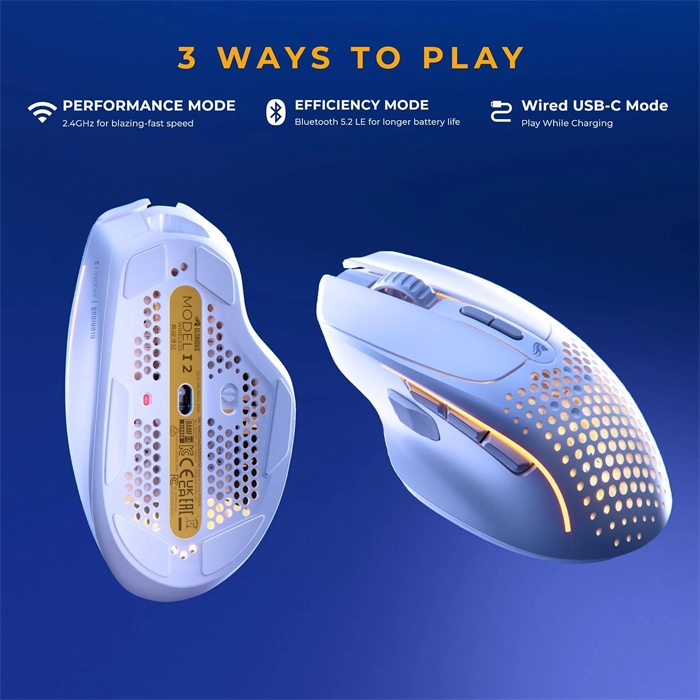
Wireless USB Reciever: Once the mouse is fully charged, toggle the switch at the bottom of the mouse to “2.4” and plug the USB receiver into your PC. The receiver is paired with the mouse out of the box and should be kept at close range for optimal performance.
Wireless Bluetooth: Once the mouse is fully charged, toggle the switch at the bottom of the mouse to “BT.” Press and hold DPI+ (button 7), Home (side button 4), and Forward (side button 5) until the LEDs flash blue to indicate that the mouse is discoverable. The mouse will show as “Model I 2” on your PC. Follow the instructions on your PC to successfully pair the mouse via Bluetooth. Once successfully paired, the mouse will discontinue flashing blue and revert to its previous lighting effect.
Bluetooth connectivity requires a PC with built-in Bluetooth or an external Bluetooth adapter (purchased elsewhere).
All Glorious mice come with blue protective film on the G-Skates feet in order to protect them. Ensure you remove these coverings before use.
لا تملك حسابًا بعد؟
إنشاء حساب
المراجعات
مسح الفلاترلا توجد مراجعات بعد.