


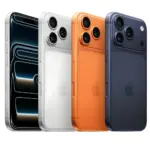
 آيفون
آيفون
 اي واتش
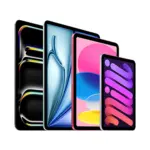 آيباد
آيباد
 أبل ماك بوك
 جهاز Apple iMac
 تلفزيون آبل وملحقاته
 برنامج Apple Mac Studio
 Apple Vision Pro (سماعة الواقع الافتراضي)
 سماعات Apple AirPods وملحقاتها
 Apple AirTag وملحقاتها
 ملحقات أبل
 الهواتف الذكية
 الساعات الذكية

 حوامل الميكروفون وأذرع الرافعة
 كابلات البث والصوت
 بث كاميرات الويب
 خلاطات الصوت وبطاقات الالتقاط
 الميكروفونات
 كراسي الألعاب
 مكاتب الألعاب
 أرائك الألعاب




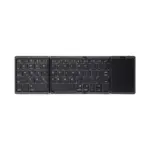
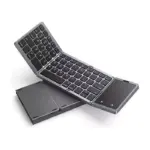

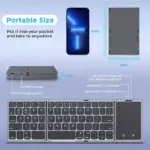
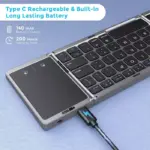
-
 التوصيل مجاني
-
التوصيل السريع

استمتع بالابتكار الذي تقدمه Apple - استكشف المجموعة الكاملة اليوم.
3 متوفر في المخزون
18,900 د.ك
3 متوفر في المخزون
 التوصيل مجاني
سيقوم سائقنا بالتسليم إلى العنوان المحدد
نفس اليوم
حر
 التوصيل السريع
نحن نجلب طلبك مباشرة إلى باب منزلك - سريع وآمن!
120 ميني
2 دينار كويتي
 جميع المنتجات مشمولة بـ ضمان الشركة المصنعة
 إرجاع مجاني لمدة 14 يومًا
طرق الدفع:

iOS Connection Instructions:
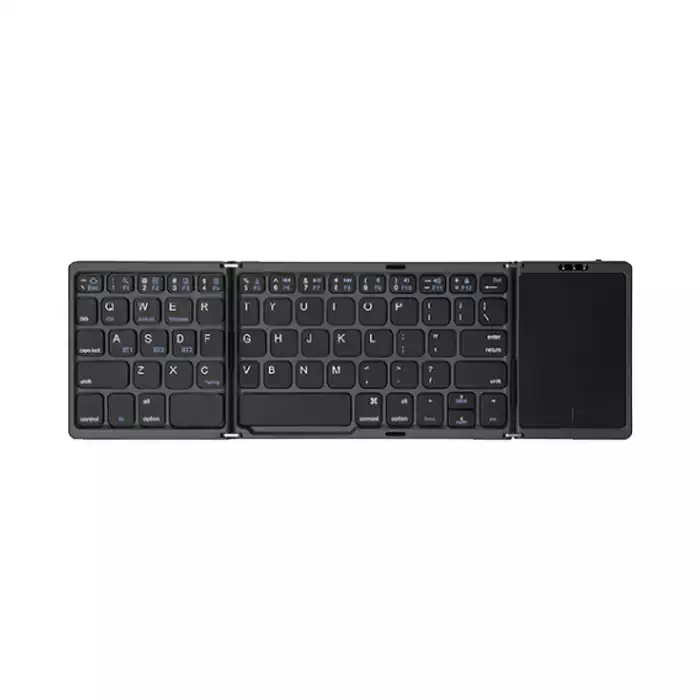
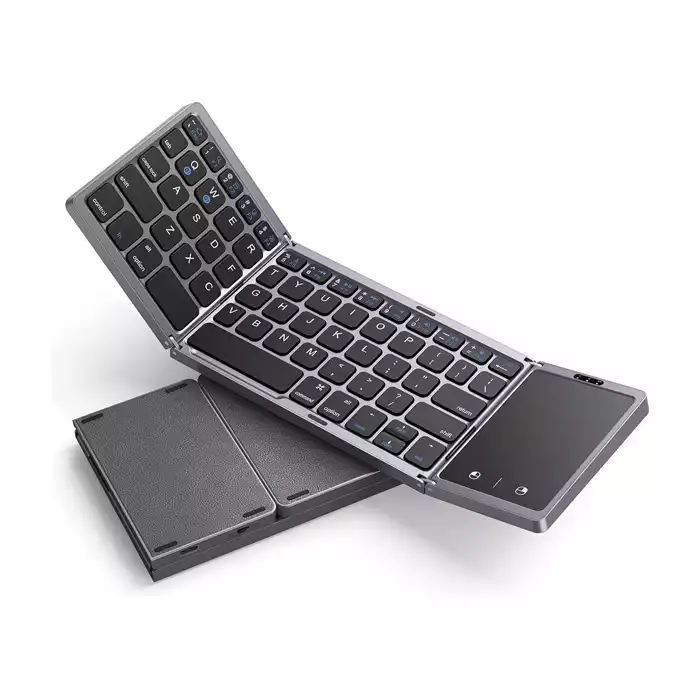
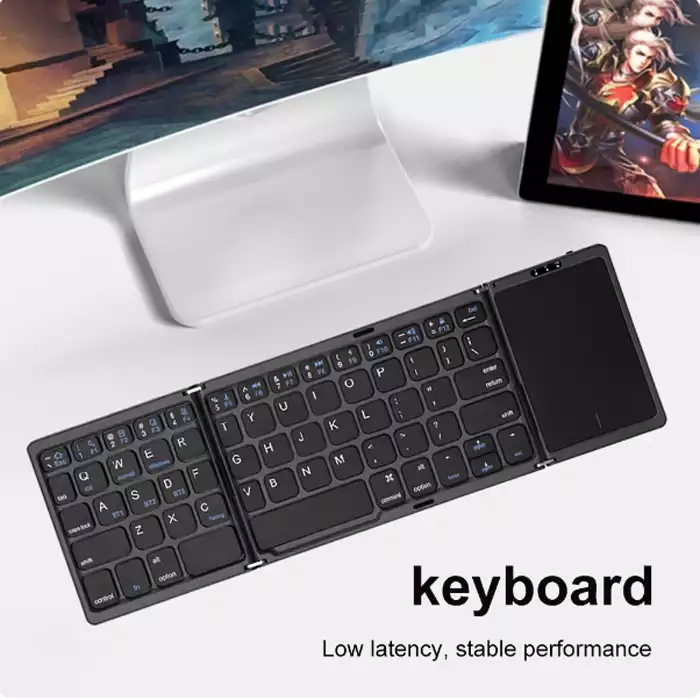
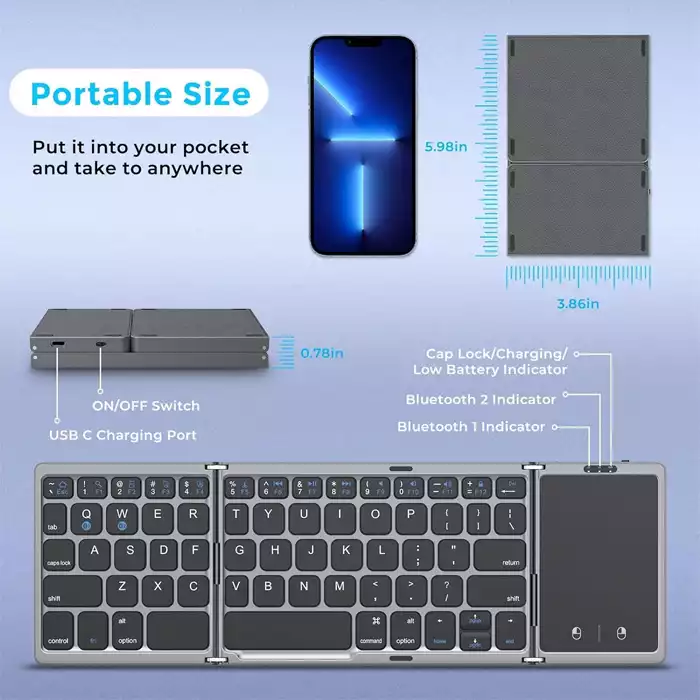
1.Please open the power switch, red lights up, Select the channel, press the Fn+C connect button, blue light twinkles.
2. Open the tablet PC setting “Bluetooth” into searching and pairing status.
3. You will find the “Bluetooth 5.1keyboard and then click to next step.
4. There is a tip for connecting successfully you can use your keyboard comfortably
Win 10 Connection Instructions:
Android Connection Instructions:
1.Please open the power switch, blue lights up, Select the channel, press the Fn+C connect button, blue light twinkles.
2. Open “Settings” and then click “Connect”
3. Tum on Bluetooth to search for the pair name.
4. Click the pair name “Bluetooth 5.1keyboard”. pair request is displayed, click OK
5.There is a tip for connecting successfully you can use your keyboard comfortably.
Remarks: After connecting successfully the next time you don’t need match code, just open the Bluetooth keyboard power switch and the tablet PC “Bluetooth.” The BT keyboard will search the device and automatic connects
Multi-channel connection
• When connecting the first device, first press Fn+ BT1 and then press Fn+C to start the connection.
• Before connecting the second device, press Fn+ BT2 once, then press Fn+C to start the connection.
• Before connecting the third device, press Fn+ BT3 once, then press Fn+C to start the connection.
• To use multiple devices at the same time, press Fn + BT1 / BT2 / BT3 to switch to the connected devices freely.
Keyboard Maintenance
Please keep the keyboard away from liquid or humid environment, saunas, swimming pool, steam room and don’t let the keyboard get wet in the rain.
Please don’t expose the keyboard at too high or too low temperature condition.
Please don’t put keyboard under sun for a long time.
Please don’t put keyboard close to the flame, such as cooking stoves, candles or fireplace.
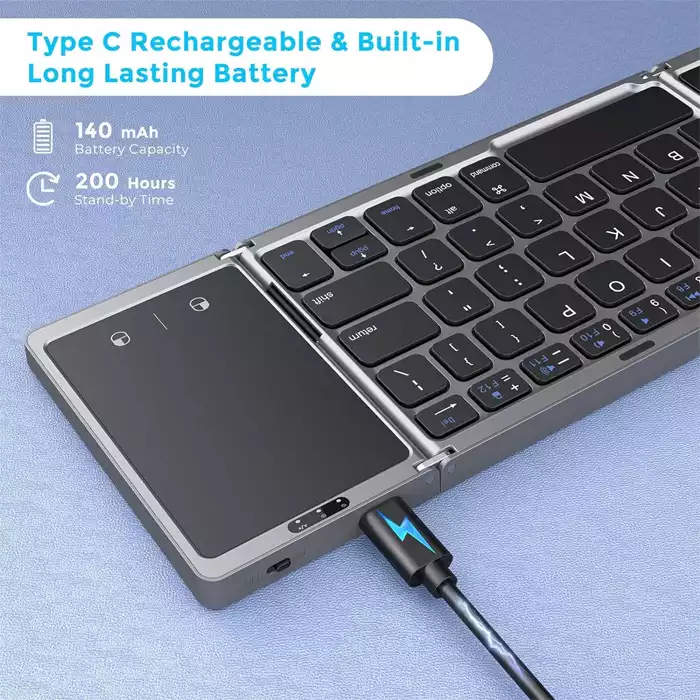
Avoid sharp objects scratching products, timely to recharge products to ensure the normal use.
لا تملك حسابًا بعد؟
إنشاء حساب
المراجعات
مسح الفلاترلا توجد مراجعات بعد.